Compress Your Images
Drag & drop images, or click to browse
Supports PNG, JPG, and WEBP formats
Image Options
Choose a method if you want to resize the output image.
Choose a compression method.
Size:
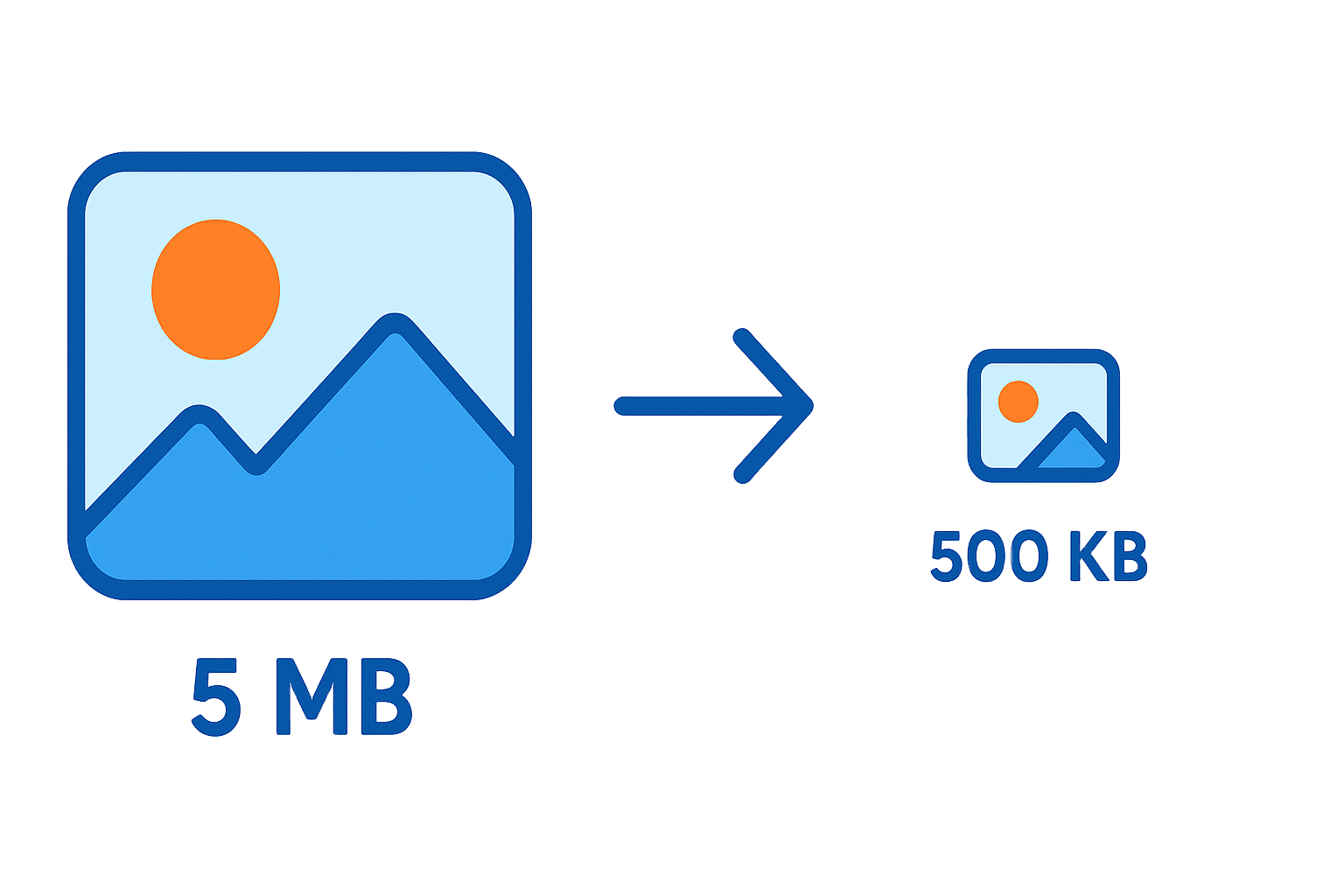
Free Image Compressor – Reduce Image Size Instantly
Easily shrink your JPG, WEBP, and PNG files for faster websites and easier sharing. Our tool reduces image size while maintaining excellent quality, all within your browser—privately and securely.
How It Works – 3 Simple Steps
- Select Your Images: Drag and drop your files onto the upload area, or click to browse your computer.
- Compress Instantly: Our tool automatically starts compressing the images using smart, high-quality settings.
- Download Your Files: Save your new, smaller image files individually or download them all at once in a ZIP file.
Why Compress Images with OneToolStop?
100% Private and Secure
We never upload your files to our servers. All compression happens directly on your device, which guarantees your privacy.
Blazing Fast Results
Because we don’t use uploads or queues, our tool optimizes your images almost instantly. Get smaller files in seconds, not minutes.
Smart Quality Balance
Our smart compression algorithm significantly reduces file size with almost no noticeable loss in visual quality.
Frequently Asked Questions
Yes! Our tool is completely free to use with no limits. This means you can compress as many images as you need without any watermarks or sign-ups.
Our tool optimizes the most common web formats: JPEG (.jpg), WEBP (.webp), and PNG (.png). They are perfect for photos, website graphics, and logos.
Absolutely. We prioritize your privacy. Since the tool processes your images in your browser and never uploads them, your data remains 100% private and secure on your computer.