Advanced Batch Image Converter
Drag & drop images here or click to select files
Supported Formats: JPG, PNG, WEBP, GIF, BMP, TIFF, AVIF
Convert Images Online in Batch for Free
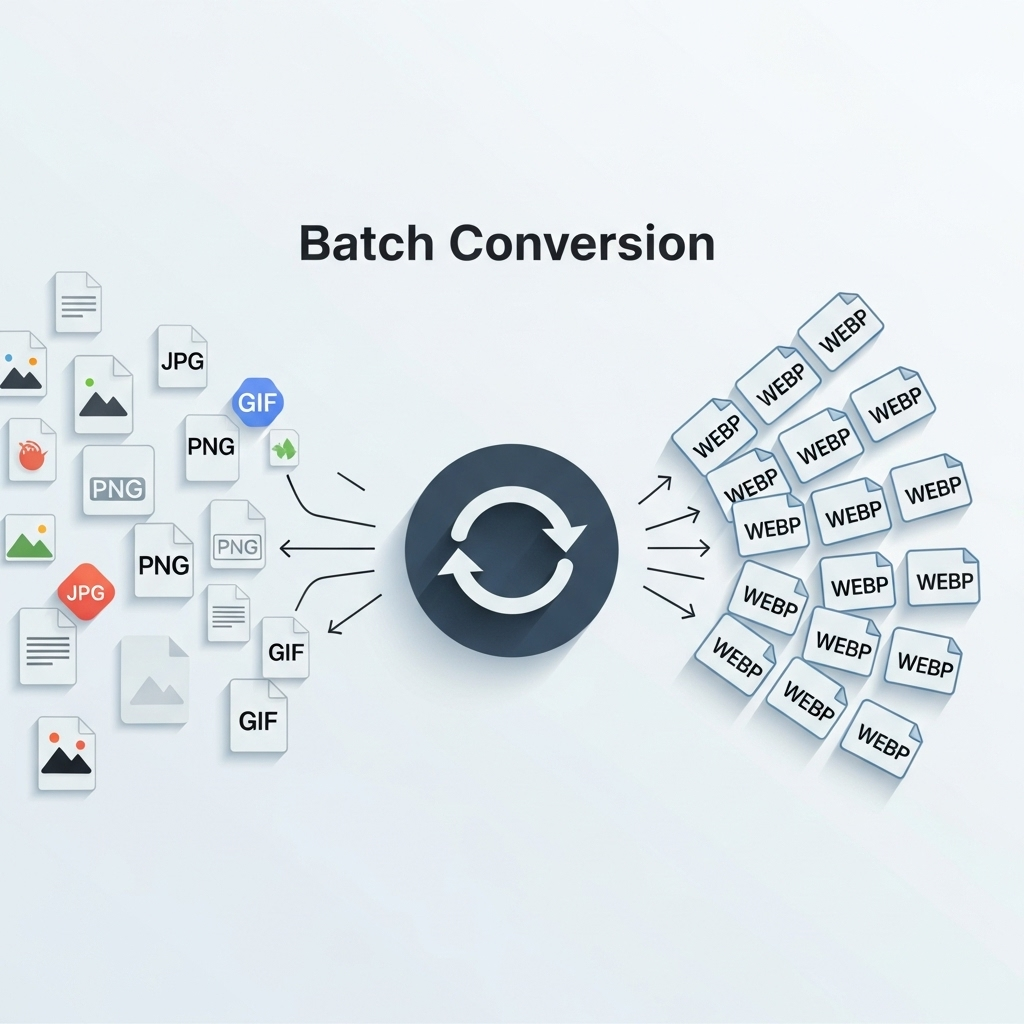
Effortlessly convert images online in batch with OneToolStop’s powerful free online tool. Transform multiple image files (JPG, PNG, WEBP, GIF, BMP, TIFF, AVIF) to any desired format quickly and easily. Our service provides a secure, private, and convenient way to handle all your image conversion needs directly in your web browser, without any software installations.
>“Batch conversion made simple. Transform all your images with OneToolStop, fast and free.”
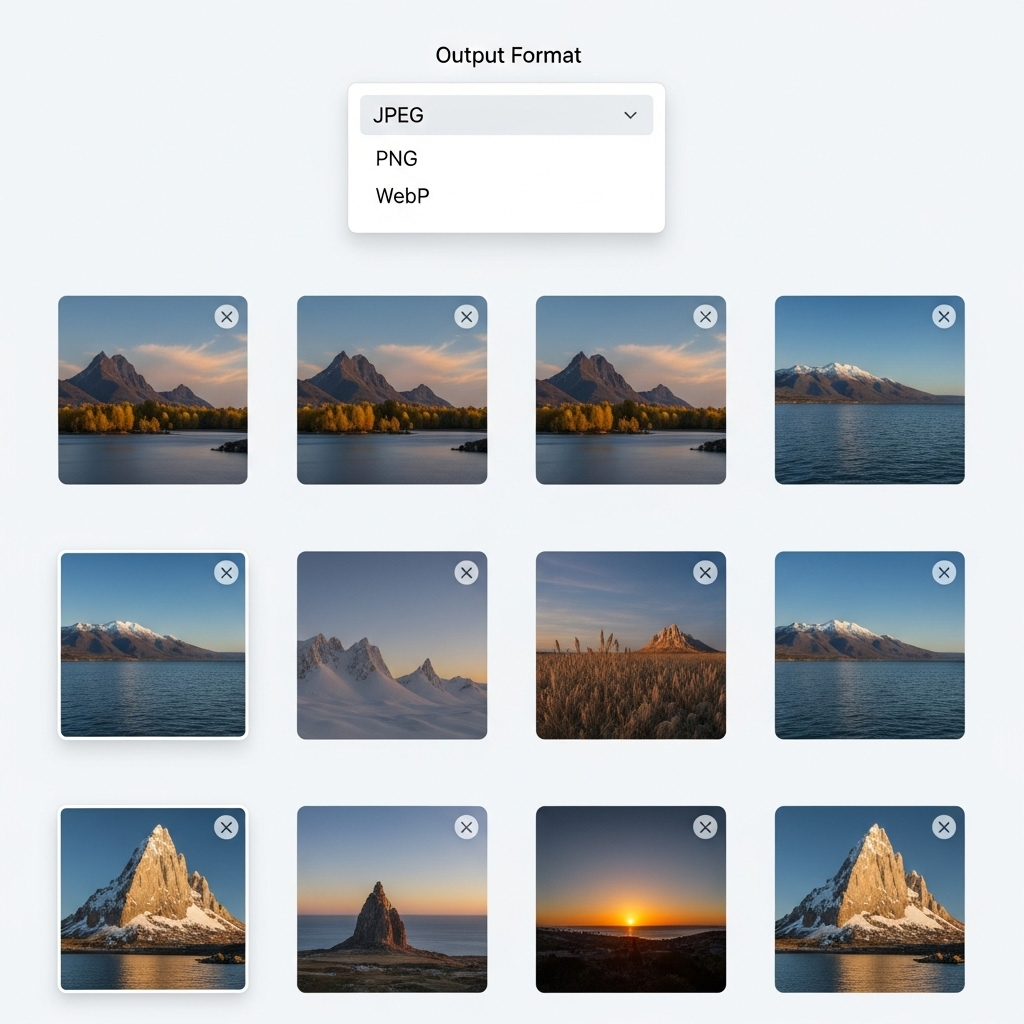
Why Use OneToolStop’s Batch Image Converter Online?
- 100% Free & Unlimited Usage: Our batch image converter online is completely free, offering full functionality without any hidden costs or usage limits. Convert as many images as you need.
- No Software Installation: Operate directly in your web browser. There’s no need to download or install any software, allowing you to convert images online instantly from any device.
- Uncompromising Privacy & Security: Your sensitive image files are processed entirely on your device and never uploaded to our servers. This client-side processing ensures your data remains confidential and secure.
- Supports All Popular Formats: Convert between JPG, PNG, WEBP, GIF, BMP, TIFF, and AVIF. Our tool handles a wide range of input and output image formats.
- Global & Individual Quality Control: Apply uniform settings to all images in your batch, or fine-tune quality and output format for each image individually. You have complete control.
- Blazing Fast & Efficient: We optimize our tool for speed, allowing you to batch convert images in seconds. Save valuable time with our rapid processing.
- Intuitive User Interface: Our platform is designed with simplicity in mind. Easily upload, configure settings, and download your converted images with a clean, user-friendly interface.
How to Convert Images Online in Batch
-
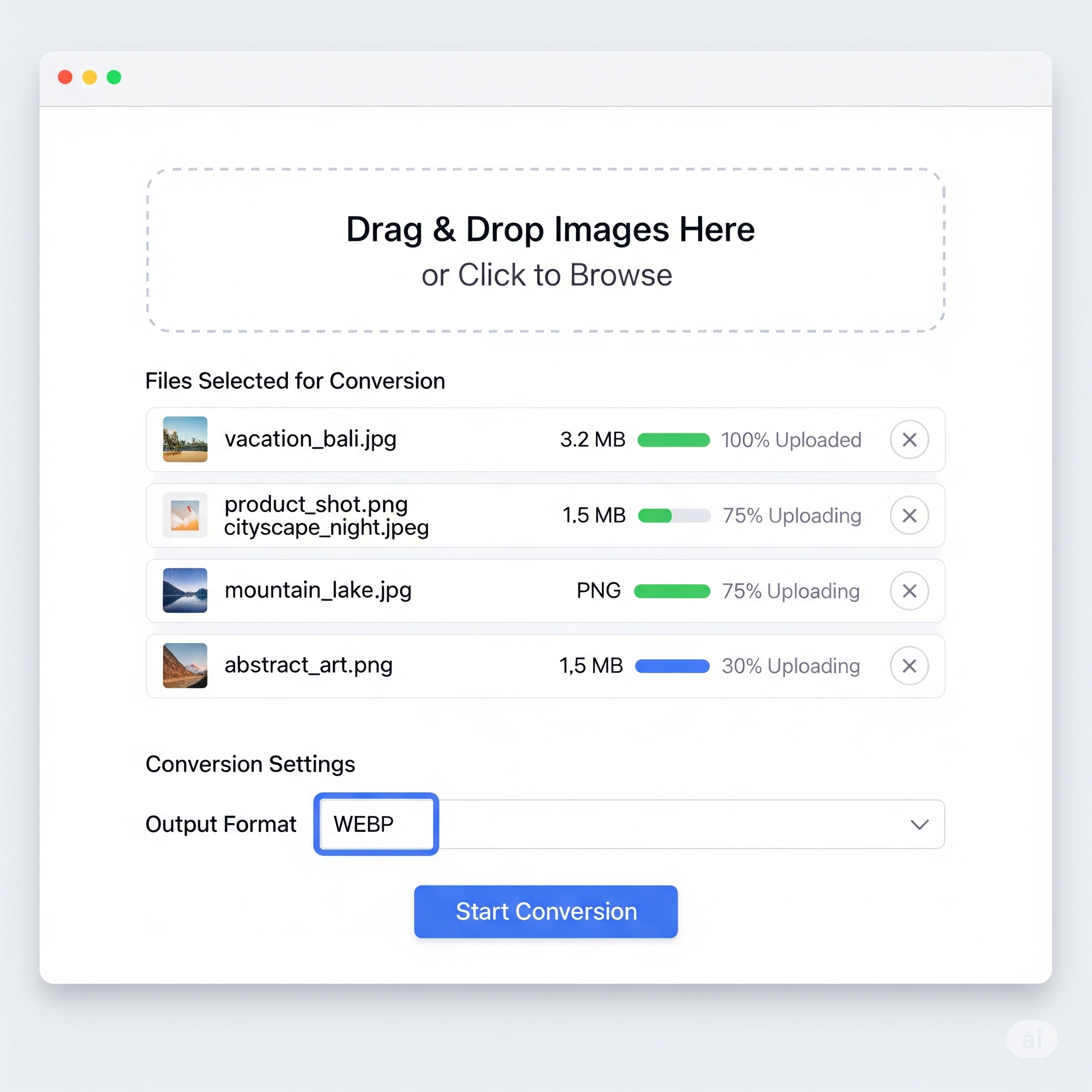
Upload Your Image Files
First, click the “Select Files” button or drag and drop your images (JPG, PNG, etc.) into the upload area. You can upload multiple images at once.
-
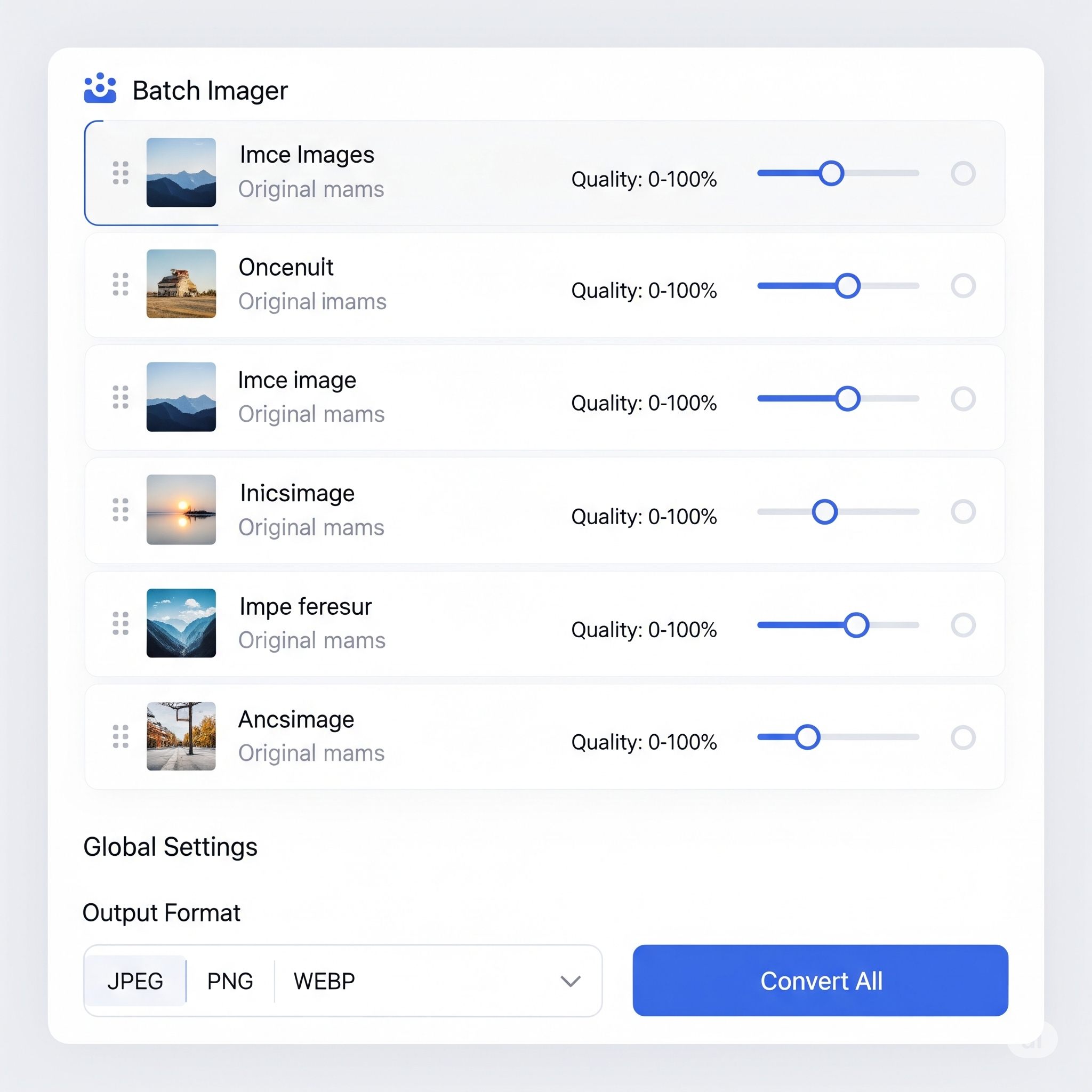
Configure Conversion Settings
Once loaded, configure global output settings (format, quality) for all images, or customize each image individually. You have precise control over every conversion.
-
Download Converted Images
After setting your desired formats and qualities, click the “Download All” button to get a ZIP file of your converted images. Alternatively, download images one by one if preferred.
Common Use Cases for Batch Image Conversion
- Website Optimization: Convert large image libraries to modern formats like WebP or AVIF to reduce file size and improve website loading speed.
- Social Media Preparation: Batch convert images to specific formats required by different social media platforms.
- Photography & Graphic Design: Quickly convert entire folders of raw images to web-friendly formats for specific projects.
| Input Formats Supported | Output Formats Available |
|---|---|
| JPG, PNG, WEBP, GIF, BMP, TIFF, AVIF | JPG, PNG, WEBP, AVIF, GIF, TIFF, BMP |
Key Advantages
- Batch Processing
- Cross-Format Conversion
- Quality Control
- Browser-Based & Secure
- 100% Free & Unlimited
Who Benefits Most?
- Web Developers
- Photographers
- Social Media Managers
- Digital Marketers
- Anyone with Images
Frequently Asked Questions
Is this batch image converter completely free?
Yes, our tool is 100% free. There are no hidden costs, subscriptions, or limits. You can convert as many images as you need.
How secure are my files?
Your privacy is guaranteed. All image conversion happens locally in your browser. Your files are never uploaded to our servers.
Are there any limits on the number or size of images I can convert?
No, our tool is designed for true batch processing. You can convert as many images as you need in a single session, without any restrictions on file size or the number of files.
Can I control the quality and compression level?
Absolutely. For formats that support quality settings like JPG, WEBP, and AVIF, you have full control. You can set a global quality for all images or adjust the quality for each image individually using the slider on its card.
Why should I convert my images to WEBP or AVIF?
WEBP and AVIF are modern image formats that offer superior compression compared to traditional JPG and PNG. This means they create significantly smaller file sizes with little to no loss in quality, which is excellent for speeding up your website’s loading times.