Direct File Downloader Pro
Download any direct URL with live speeds, pause/resume, multi-tier CORS fallback, and batch ZIP archiving.
Downloader Settings
Download History
Your download history is empty.
Direct File Downloader: Fast, Reliable, and Universal URL Downloader
Our free direct file downloader allows you to save any file directly from a URL to your local device quickly, safely, and without installing third-party software. Specifically, whether you need to fetch large software installers, high-definition videos, compressed zip archives, or everyday PDF documents, our direct file downloader provides total speed control and real-time streaming feedback. Furthermore, it operates straight inside your modern browser, ensuring that your privacy is preserved while providing an uncompromising download experience.
In addition, traditional web browsers frequently fail or time out when processing direct links across unstable networks. Consequently, our web-based direct file downloader integrates intelligent multi-tier pipeline fallbacks, resume capabilities according to the IETF RFC 7233 HTTP Range Specification, and instant checksum validation. Therefore, you can initiate, inspect, throttle, and complete any file download with complete confidence.
How to Use the Direct File Downloader from Any URL
-
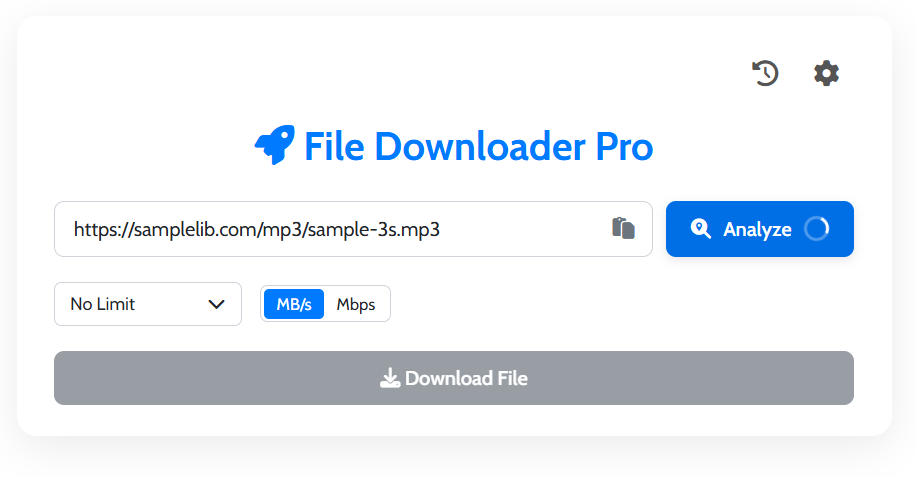
Paste Your Target URL
First, copy the direct download link of your desired file and paste it into the input field above. In addition, you can use direct links from cloud hosts like Google Drive, Dropbox, and GitHub, which our system automatically detects and resolves.
-
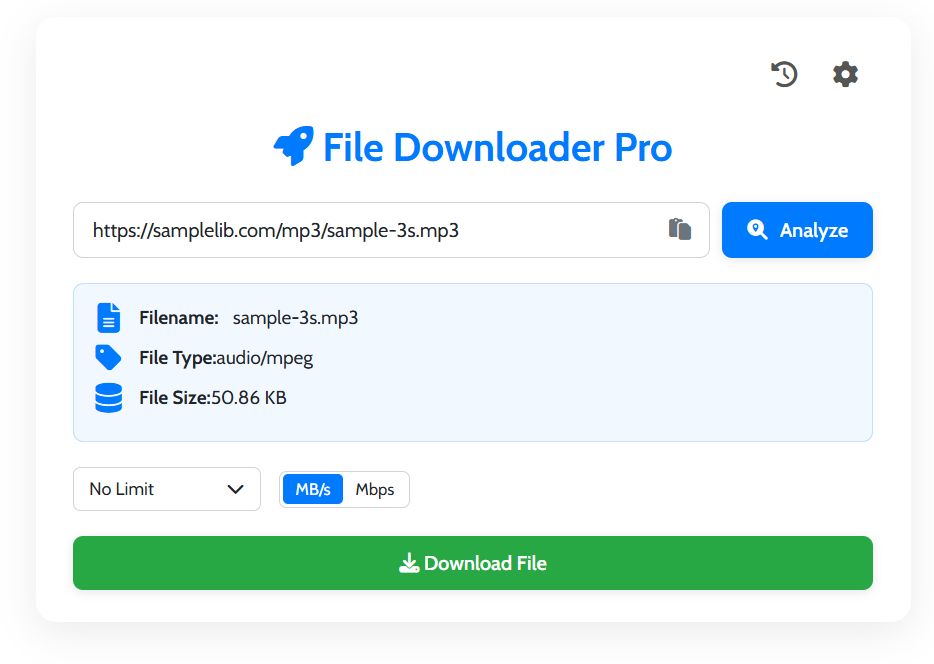
Analyze the File Metadata
Next, click the “Analyze” button. As a result, our tool fetches the remote HTTP headers via the MDN Fetch API, displaying the exact filename, estimated file size, and MIME content type before you begin.
-
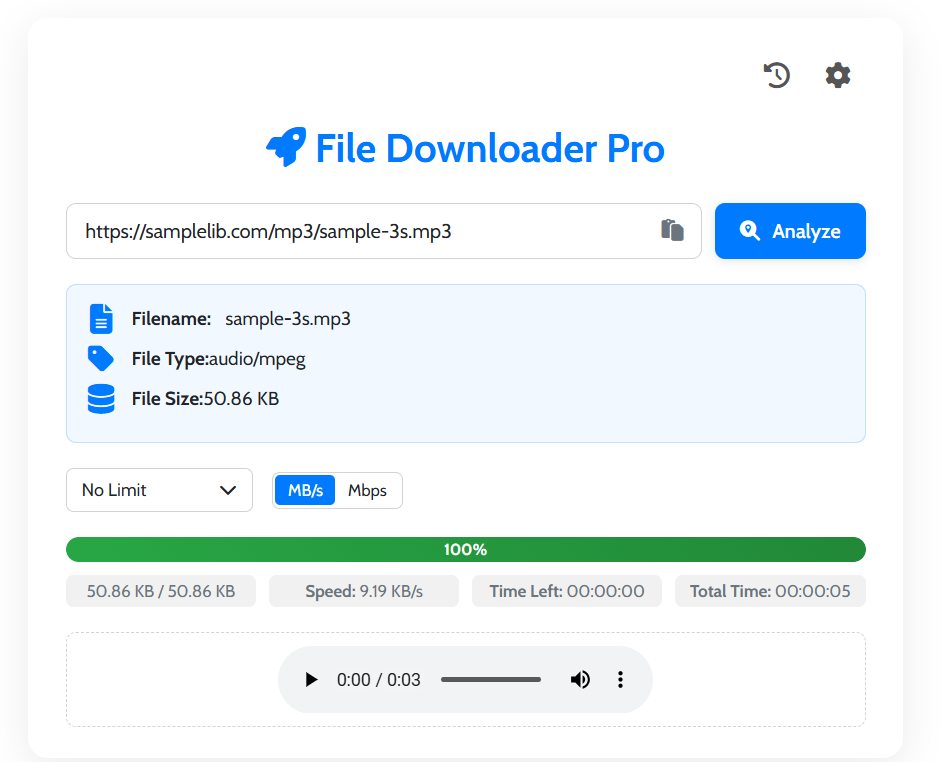
Configure Speed Limits & Download
Furthermore, choose your preferred bandwidth allocation using our built-in speed limiter. Finally, click “Download File Now” to stream the data directly into your storage, or scan the generated QR code to download straight to your mobile device.
Key Features of Our Direct File Downloader Pro
Pause and Resume Control
Moreover, you will never lose progress on interrupted connections. Our direct file downloader supports dynamic chunking and pause/resume mechanisms, allowing you to halt transfers and restart smoothly.
Configurable Speed Limiter
Additionally, you can manage your internet connection effectively by toggling speed caps between 100 KB/s and 10 MB/s. Because of this feature, your video calls and gaming sessions remain uninterrupted.
Batch URL & ZIP Archiving
In addition, you can paste multiple URLs at once. Our batch processor leverages open-source JSZip technology to compress and save all your downloaded files into a single zip archive.
Mobile QR Code Transfer
Specifically, if you want the file on your smartphone or tablet, simply click the QR Code button. As a result, your mobile camera immediately opens the direct file download without manual typing.
SHA-256 Checksum Verification
Furthermore, digital security is paramount. Our utility uses the native W3C Web Cryptography API to calculate instantaneous SHA-256 cryptographic hashes for file verification.
Live Media Preview Engine
Finally, inspect documents, listen to audio streams, view images, and watch video snippets directly within the browser interface prior to saving them permanently.
Direct File Downloader vs Standard Browser Downloads
Standard web browsers provide basic download managers that often lack detailed performance monitoring and bandwidth control. However, our direct file downloader brings enterprise-grade capabilities directly to your screen:
| Transfer Feature | Standard Browser Download | Our Direct File Downloader Pro |
|---|---|---|
| Detailed Pre-Analysis | Often hidden until transfer begins | Full headers, MIME, and size inspection |
| Speed Throttling & Limits | Consumes 100% available bandwidth | 100 KB/s to 10 MB/s speed limiter |
| Batch Downloading & ZIP | Spawns dozens of separate tabs | Single-click batch or packaged .ZIP bundle |
| Mobile QR Transfer | Requires bookmark syncing or messaging | Instant camera scan QR code generator |
| Integrity Checksum (SHA-256) | Requires external CLI terminal tools | Real-time in-browser hash verification |
Common Applications for the Direct File Downloader
For Developers & Webmasters
Consequently, software engineers can pull raw code releases, container templates, firmware images, and dataset archives straight from CDN endpoints without waiting for heavy IDEs or terminal clones.
For Content Creators & Designers
Similarly, graphic designers can quickly grab high-resolution RAW photography, audio sound effects, video B-roll clips, and design asset packs while managing their active network speed smoothly.
Explore More Free Web Utilities
After utilizing our direct file downloader, you may want to optimize or alter your downloaded assets. For instance, you can try our Image Converter to effortlessly transform image formats. In addition, you can use our Image Compressor to diminish file weight without sacrificing clarity. Finally, discover all our free productivity solutions on our official OneToolStop Tools Portal.
Frequently Asked Questions About Direct File Downloader
Specifically, a direct file URL is an HTTP or HTTPS web address that terminates with a file resource extension (e.g. .mp4, .zip, .pdf, .iso) rather than a dynamic landing page. Therefore, when queried, the remote server immediately transmits the raw binary stream.
Yes, absolutely. Furthermore, all transfer handling occurs locally within your browser’s sandboxed client-side environment. As a result, your private files and data streams are never captured, logged, or stored on our external servers.
Fortunately, our direct file downloader includes an automated multi-engine fallback. Specifically, if a cross-origin resource sharing (CORS) restriction is encountered, the tool automatically routes through our fallback proxy or executes a direct browser pipe so your download succeeds.
Yes, indeed. By switching to our “Batch Download” tab, you can input dozens of links at once. Consequently, you can either trigger sequential browser saves or package all items into a single compressed ZIP archive using JSZip.