Your Name
Job Title
Settings
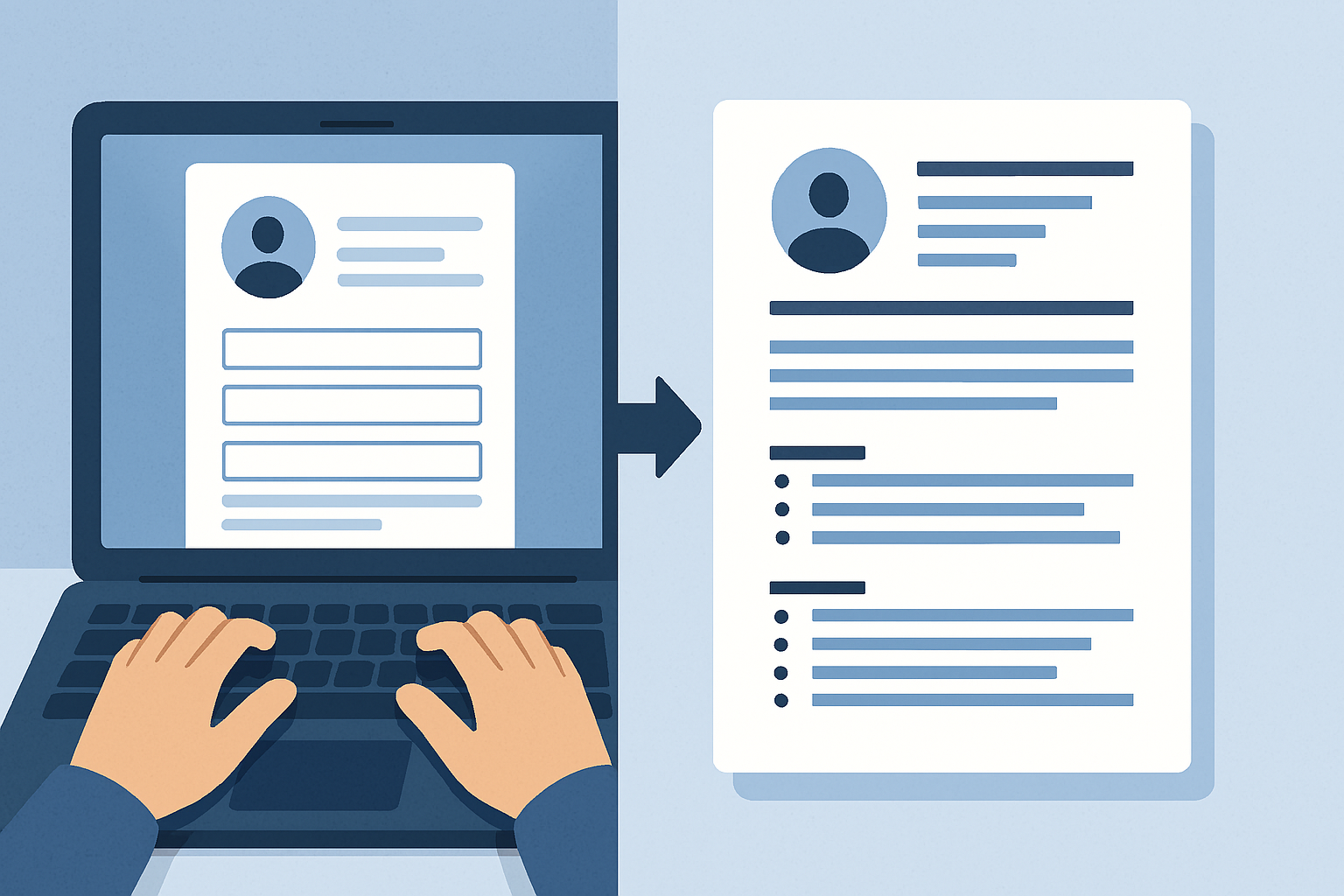
Professional Online CV Maker
Create a job-winning resume in minutes with our free online CV maker. This powerful tool provides an intuitive editor, a real-time preview of your document, and multiple professional templates. Your data is saved securely in your browser, allowing you to build the perfect CV at your own pace.
Key Features of Our CV Builder
Live Preview
See every change as you make it. The live preview panel updates instantly as you type.
Customizable Templates
Choose from professional templates like Modern, Creative, and Minimal to find the perfect style.
PDF & PNG Export
Download your finished resume as a high-quality PDF or PNG file, ready to be sent to recruiters.
Auto-Save to Browser
Your progress is saved automatically to your browser, so you can pick up right where you left off.
Time needed: 5 minutes.
Using the online CV maker is a simple, three-step process to a professional resume:
-
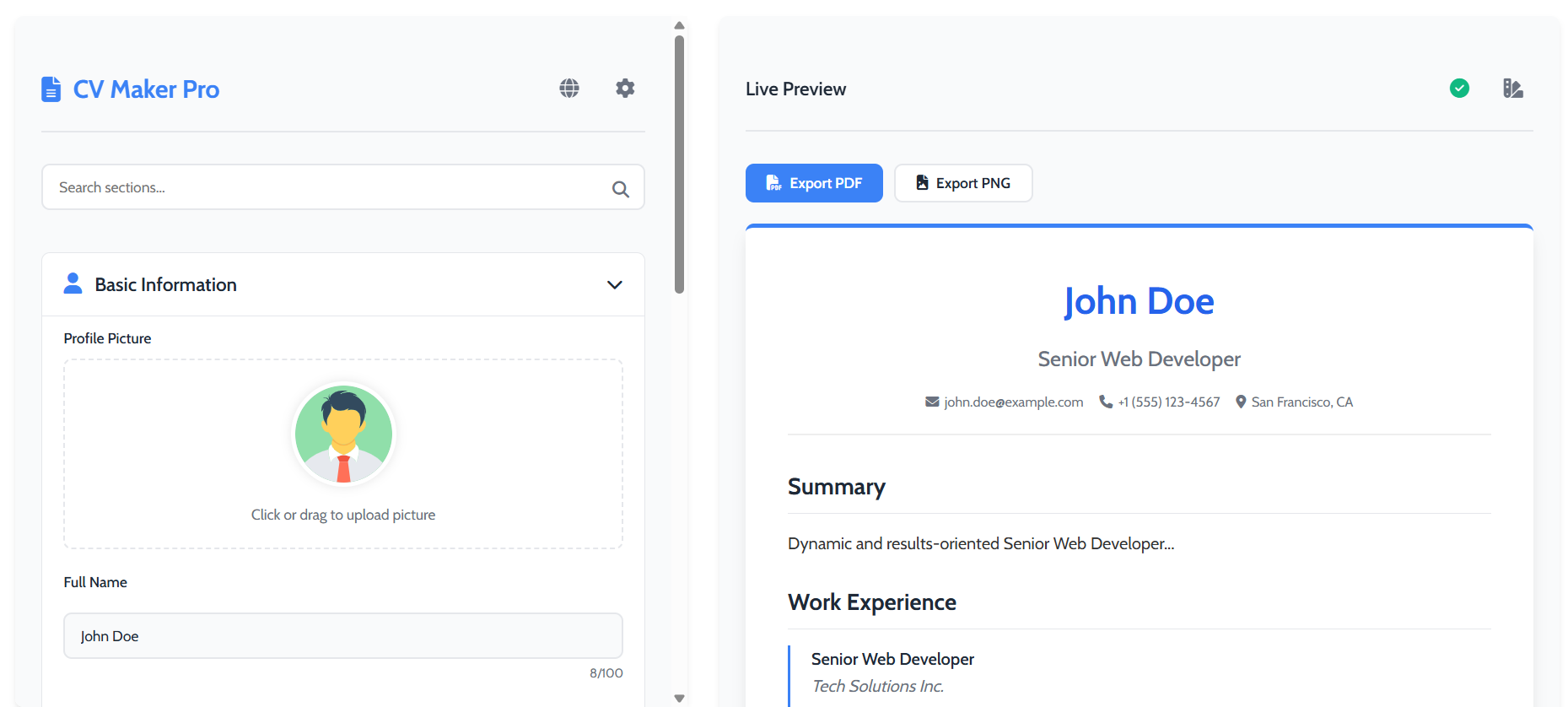
Fill In Your Details
Use the editor on the left to add your personal information, work experience, education, skills, and any custom sections.
-
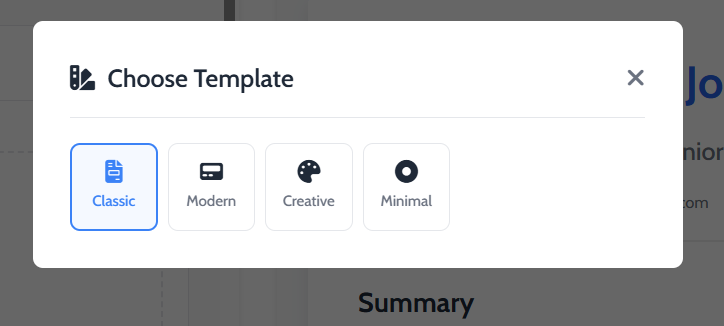
Choose Your Template
Click the template icon () to open the selection modal. Choose from designs like Classic, Modern, or Creative.
-
Export Your CV
Once you’re happy with the live preview, click the “Export PDF” button to download your finished, professional CV.
Frequently Asked Questions
Yes, our tool is 100% free to use. You can create, customize, and download your CV without any watermarks or hidden charges.
Absolutely. All the information you enter is stored directly in your own browser’s local storage. Your data is never sent to our servers.
Yes. As long as you use the same browser and device and do not clear your site data, our online CV maker will automatically load your previously saved work.
Explore Our Other Tools
After creating your CV, boost your job application process with our other utilities. Use the Batch URL Opener to open all your job listings at once, or test your online portfolio with our Online Android Simulator. For our full collection of free tools, visit the main Tools page.