Expenses Organizer
Expense Reports
Spending by Category
Monthly Spending Trend
Select a Category Icon
Free & Private Expense Tracker
Take control of your finances with our free expense tracker. Designed for simplicity and privacy, this tool helps you log your daily spending, categorize purchases, and visualize your financial habits with powerful reports. All data is saved securely in your browser, never on our servers.

Key Features of Our Expense Manager
100% Private
All your financial data is stored locally in your browser. Nothing is ever uploaded, ensuring complete privacy.
Custom Categories
Organize your spending by choosing from hundreds of icons, uploading receipt images, or using simple characters.
Insightful Reports
See beautiful charts that break down your spending by category and show trends over time.
Multi-Currency Support
Log expenses in any currency. The tool supports hundreds of world currencies with an easy-to-use search.
Time needed: 2 minutes.
Using this expense tracker is a straightforward way to manage your budget. Here’s how:
-
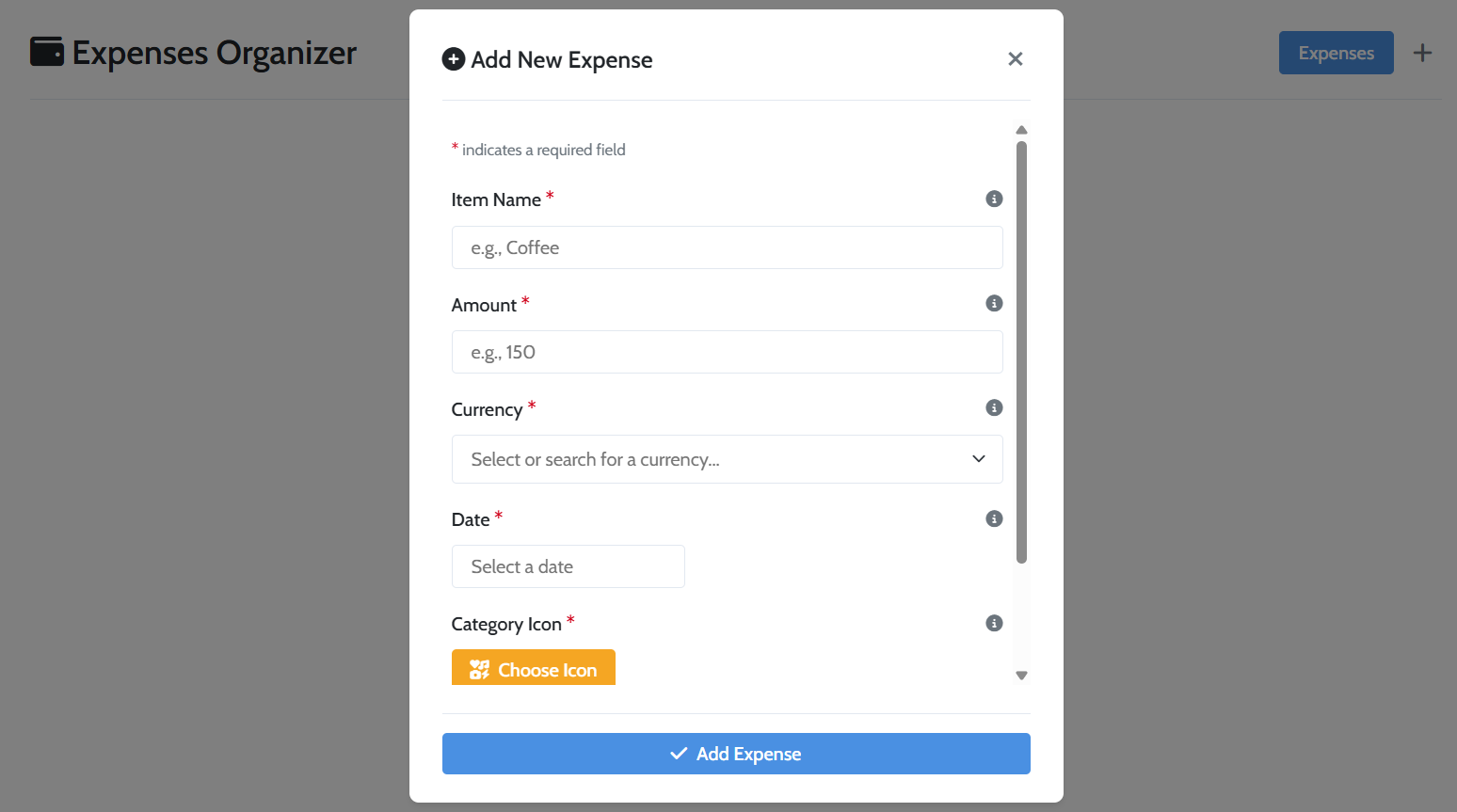
Add a New Expense
Click the plus icon () to open the form. Fill in the item name, amount, currency, date, and choose a category icon.
-
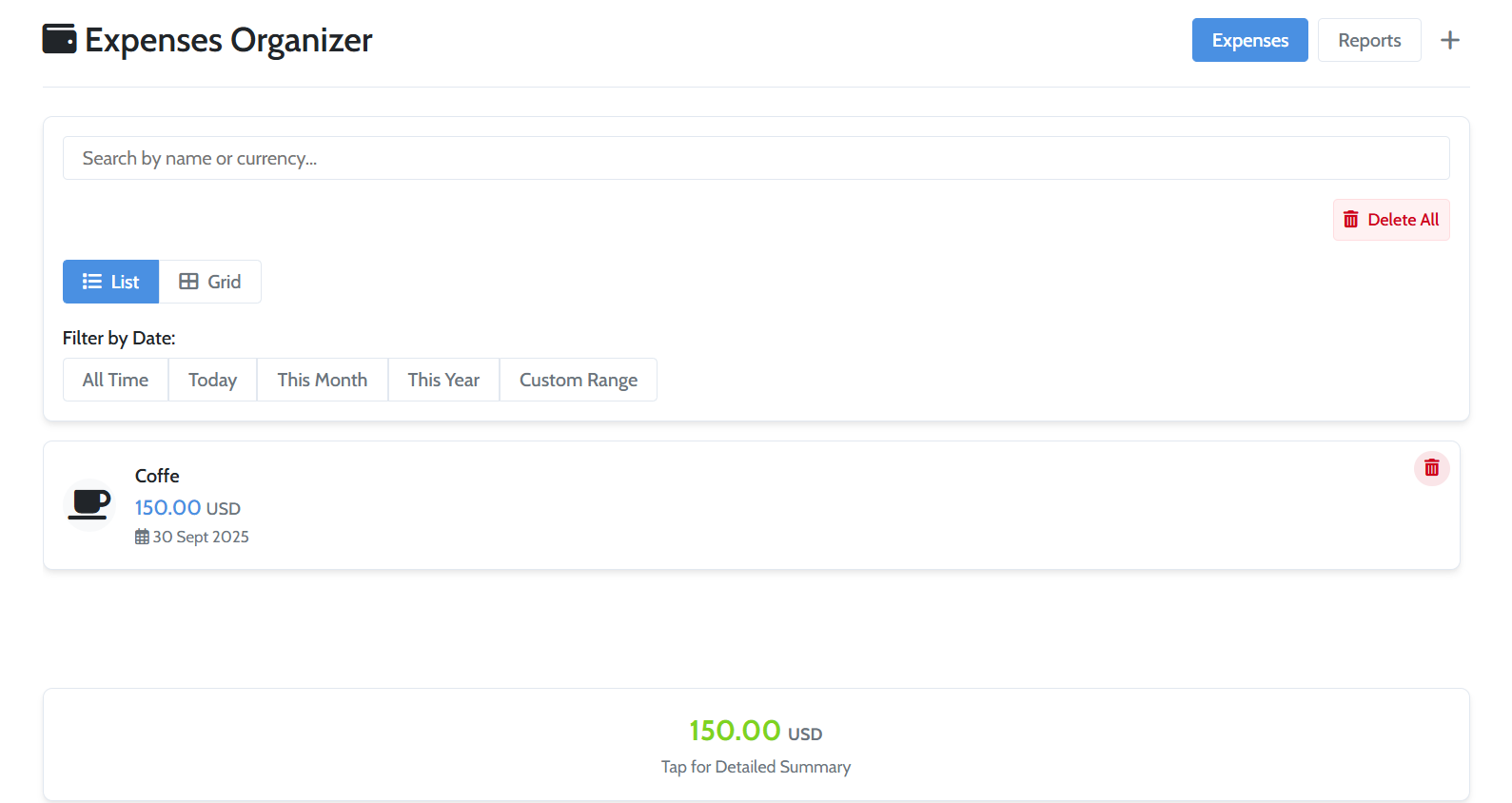
View and Filter Your List
See your expenses organized in the main dashboard. Use the search bar or date filters to find specific transactions.
-
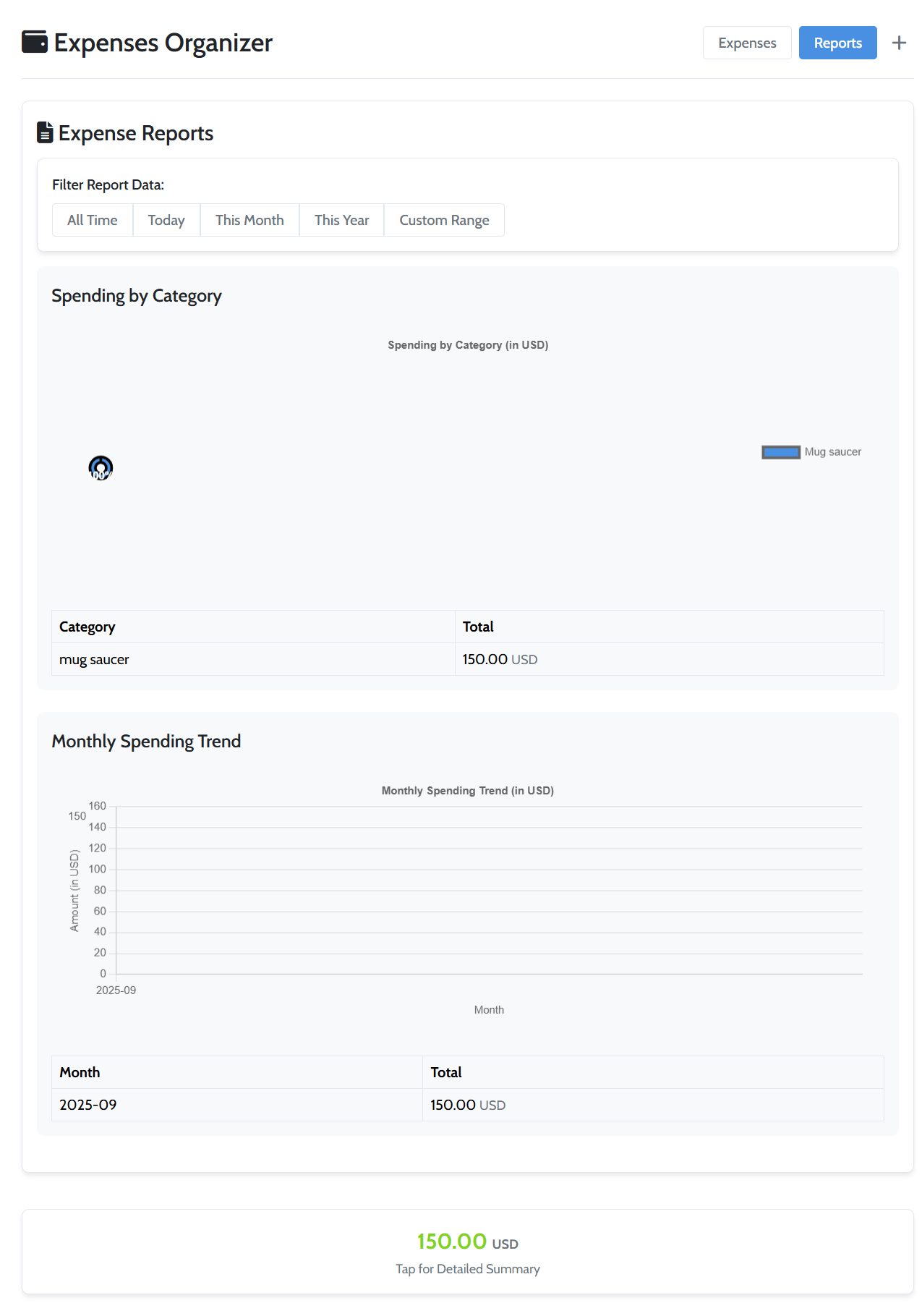
Analyze Your Spending
Click the “Reports” button to see a visual breakdown of your finances. Analyze the charts to understand your spending habits.
Frequently Asked Questions
Yes, it is 100% safe. Our expense tracker stores all data exclusively in your browser’s local storage and never sends it to our servers.
Since all data is stored locally, your expense list will not automatically sync between devices. The tool is designed for private, single-device use.
The charts are generated based on your most-used currency. The tool analyzes spending for the single currency that has the highest total amount in the selected date range.
Explore Our Other Tools
After organizing your finances, explore our other utilities. Convert currencies with the Currency Converter or create a professional resume with our CV Maker. For more on budgeting, read this guide from Wikipedia.