Powerful Batch File Renamer Online
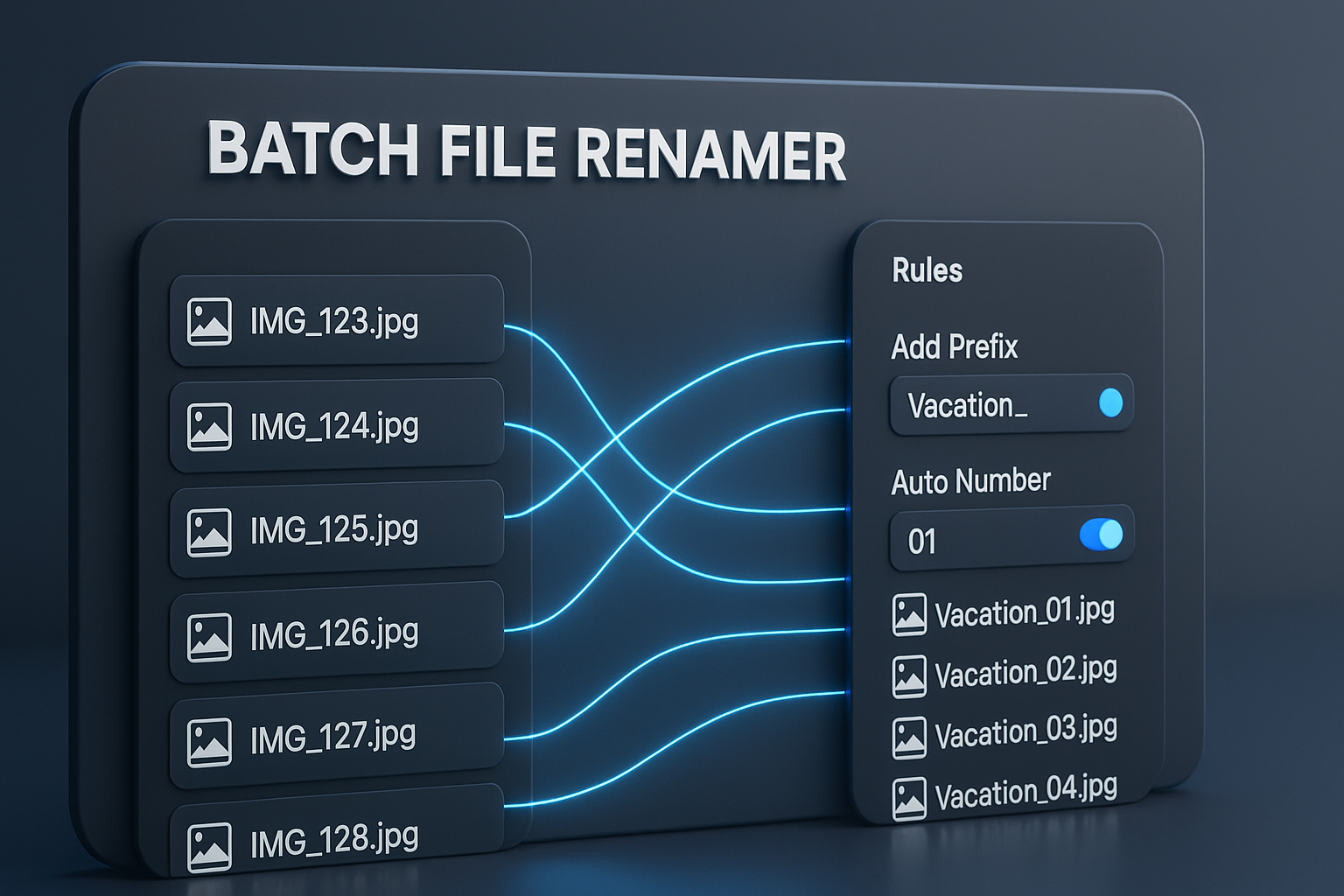
Save hours of tedious work with our free and powerful batch file renamer. Whether you need to rename photos, organize documents, or clean up your music library, our tool gives you the flexibility to rename hundreds of files at once. Add sequential numbers, replace text, change extensions, and more, all with a live preview and without installing any software.
Key Features of Our Bulk Renamer
Flexible Rules Engine
Combine multiple rules to create complex renaming schemes, like replacing text and adding sequential numbers.
Live Preview
See changes in real-time as you add and modify rules, preventing mistakes before you download.
Folder & Subfolder Support
Drag and drop an entire folder. Our tool can scan subfolders and preserve the original structure in the final ZIP.
100% Private and Secure
Our tool operates entirely in your browser. Your files are never uploaded, ensuring your data remains private.
How to Rename Multiple Files
Renaming multiple files is fast and easy. Follow these steps:
-
Add Your Files or Folders
Click "Select Files" or "Select Folder," or simply drag and drop your files directly into the input area.

-
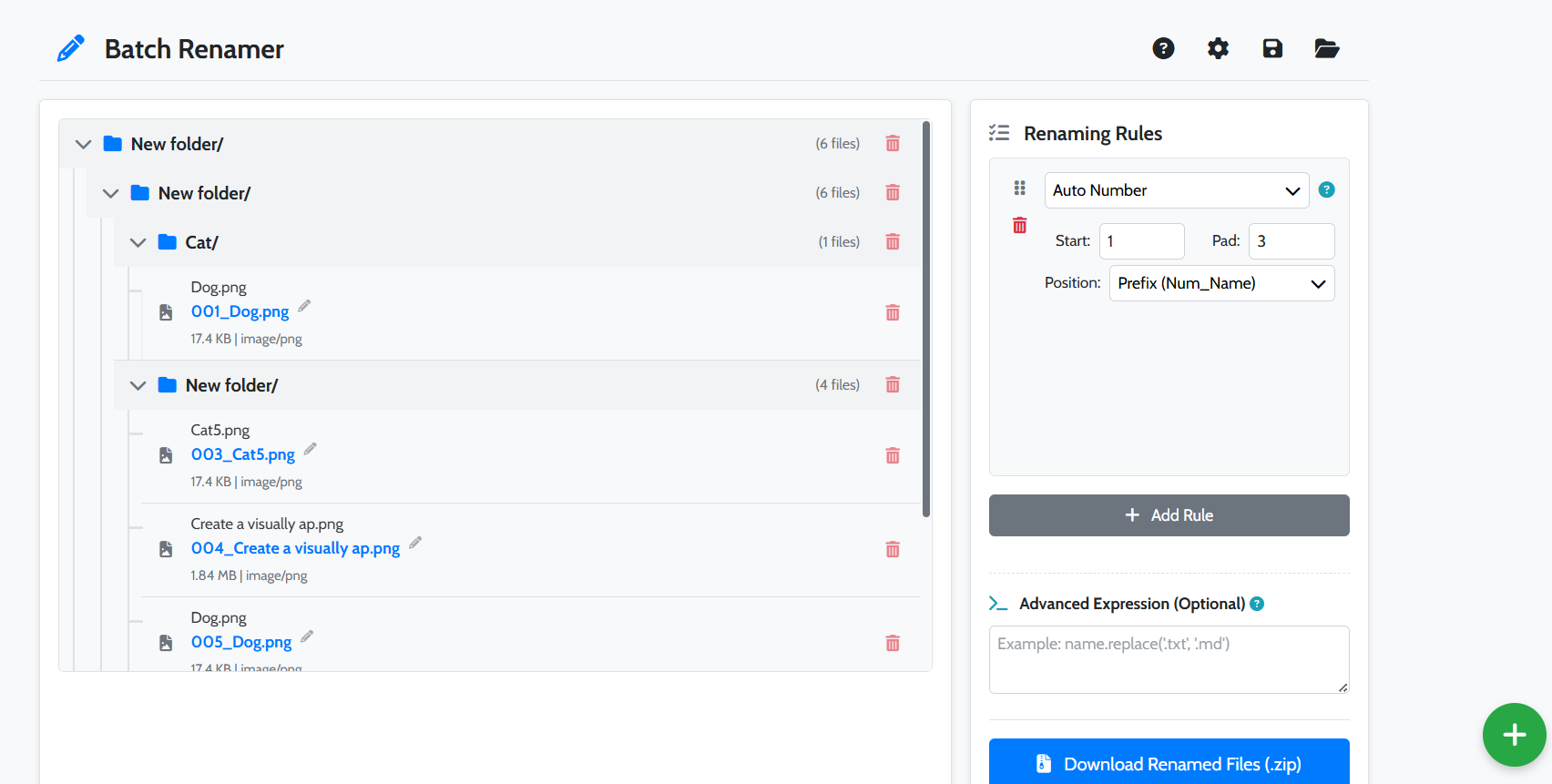
Apply Renaming Rules
Click "Add Rule" and choose a rule type, such as "Replace Text" or "Auto Number." You can stack multiple rules.
-
Download Your Renamed Files
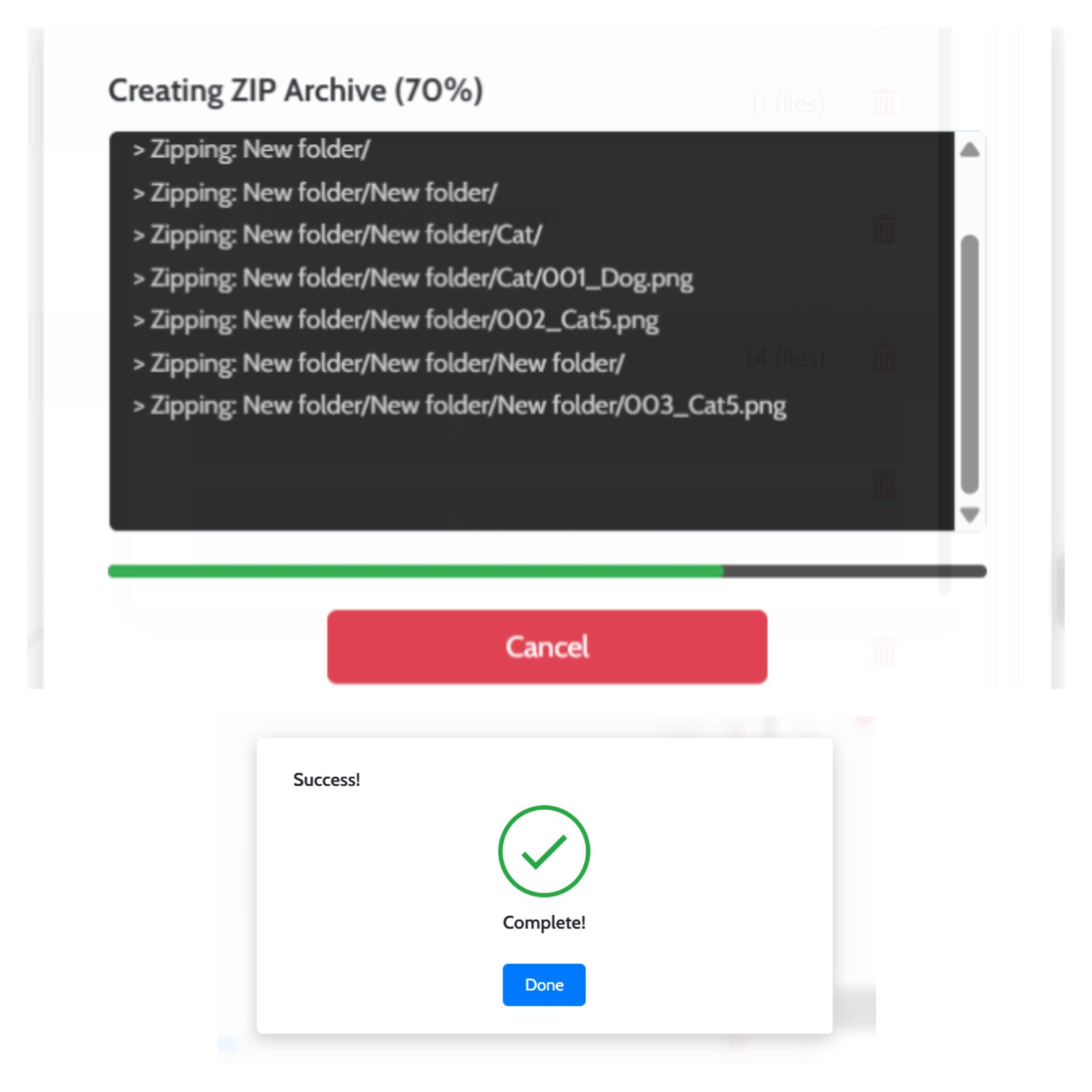
Once the preview shows your desired new filenames, click "Download." Your renamed files will be bundled into a ZIP archive.
Organize Your Digital Life
For Photographers
Rename hundreds of photos from a shoot in seconds. Change "IMG_4567.jpg" to "Paris-Trip-001.jpg".
For Office Professionals
Clean up project files by replacing underscores, changing case, and adding dates to organize reports and documents.
Frequently Asked Questions
Are my files uploaded to your server?
No, never. Our batch file renamer is a client-side tool. All processing happens directly in your web browser, ensuring 100% privacy.
Is there a limit to the number of files I can rename?
There is no hard limit. Performance may vary depending on your computer's resources, but the tool is optimized to handle hundreds or even thousands of files.
What happens if my new filenames have conflicts?
The tool automatically detects name conflicts and will highlight the conflicting files in red, disabling the download button until the conflicts are resolved.
Explore Our Other Tools
After renaming your files, you might need other tools. Try our Image Converter to change formats or our Image Compressor to reduce file size. For a full list, visit our main Tools page.