Scanner Pro
Change setting.
Scan a code or upload an image to see the result.
Scan History
No scan history yet.
Advanced Online QR & Barcode Scanner
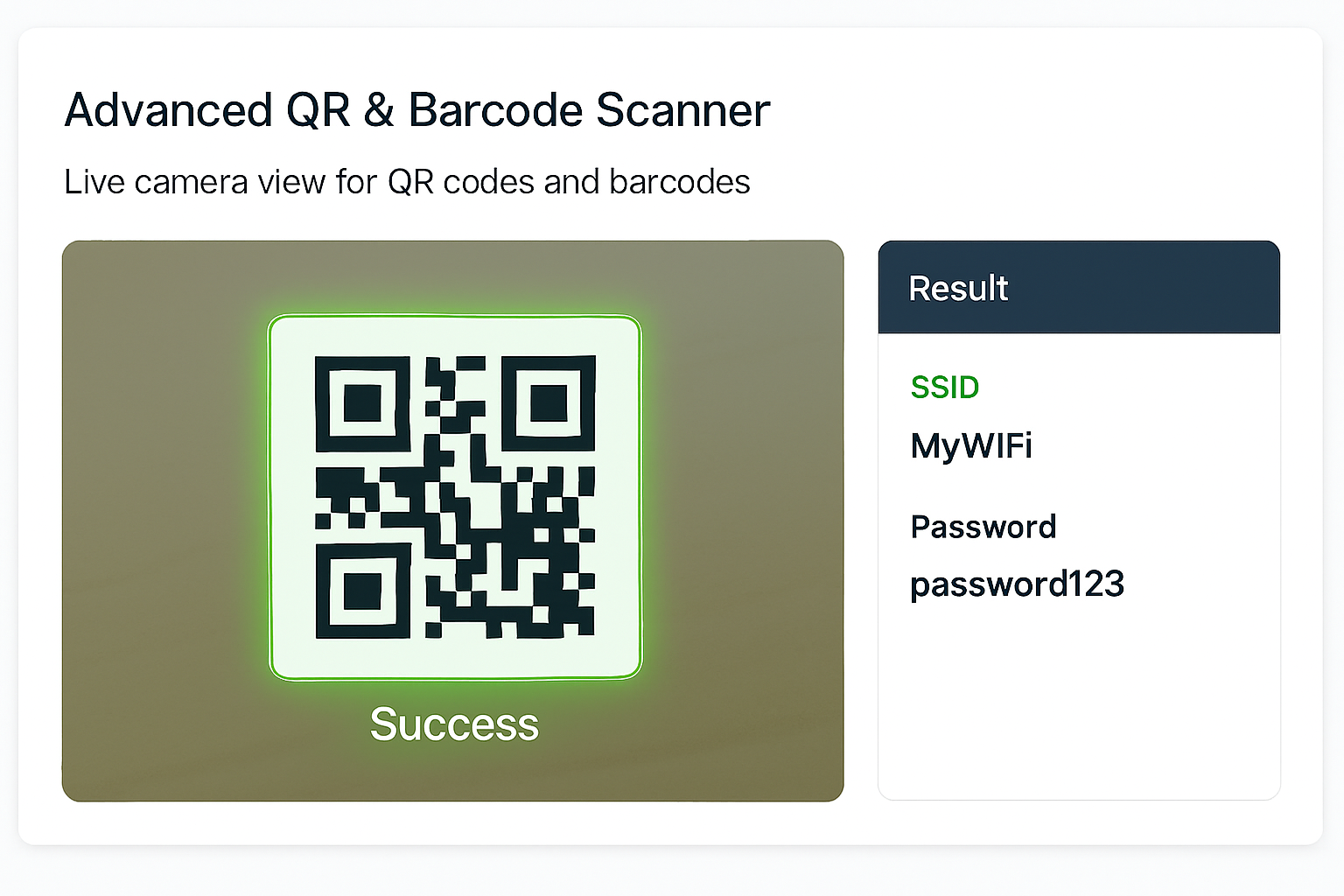
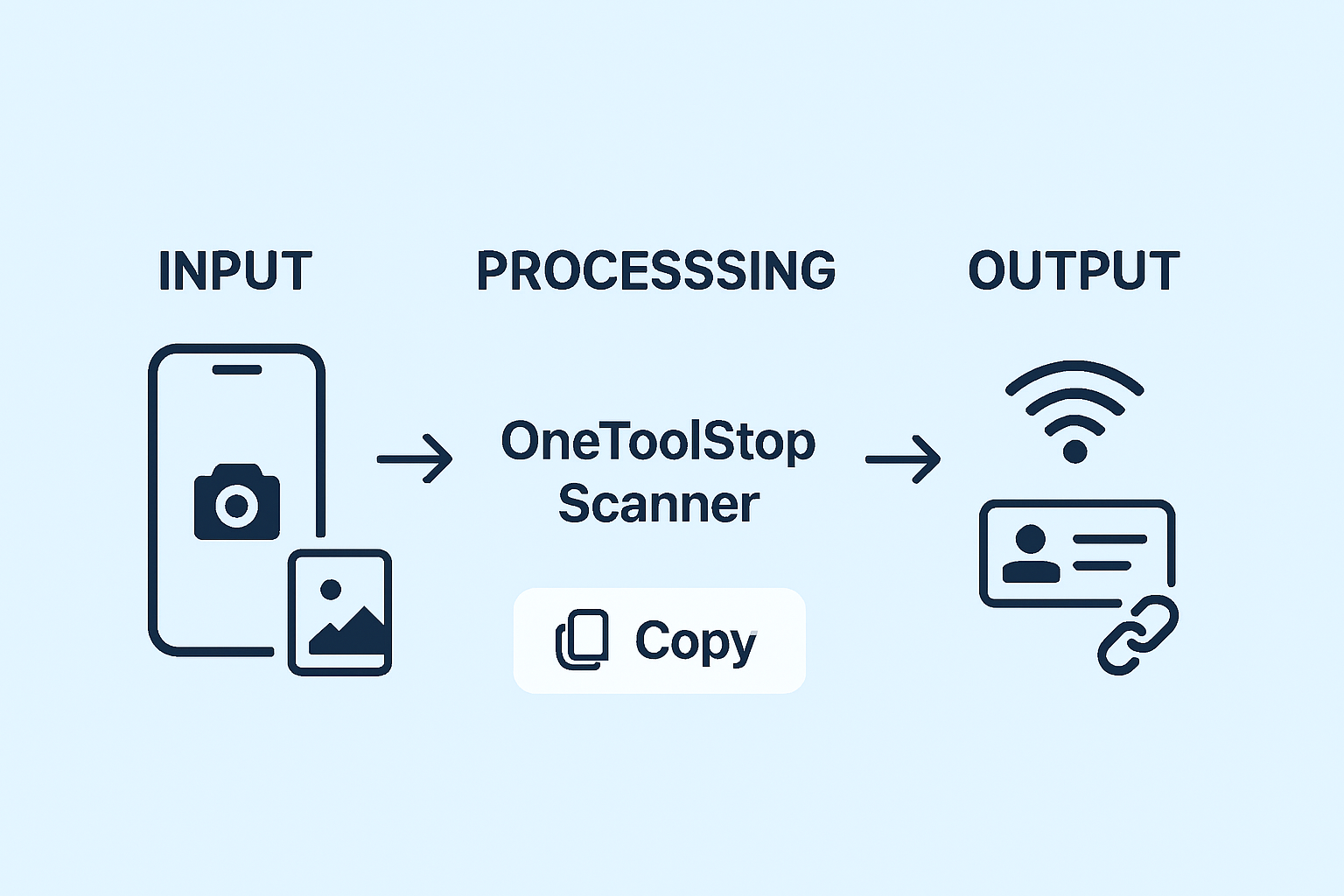
With OneToolStop’s powerful tool, you can effortlessly scan QR codes and barcodes online using your device’s camera or by uploading an image. Our free scanner instantly decodes URLs, Wi-Fi credentials, contact cards (vCard), and more. This service provides a 100% secure and private way to read any code directly in your web browser, so you don’t need any app installation.
Why Use Our Online QR & Barcode Scanner?
Unmatched Privacy and Freedom
- 100% Free & Absolutely Private: Our online QR scanner is completely free. More importantly, it’s built for privacy. All scanning and decoding happen locally on your device, meaning your camera feed and images are never uploaded to our servers.
Powerful and Versatile Functionality
- Instant Scanning from Any Source: Use your webcam or smartphone camera for live scanning, or scan a QR code from an image file on your computer. We also support drag-and-drop for ultimate convenience.
- Advanced Data Parsing: This isn’t just a text reader. Our tool intelligently recognizes the type of data within a code and displays it in a clear, easy-to-use format.
- Save & Manage Scan History: Automatically save your scanned codes for later. You can copy values, revisit links, or delete individual items from your history with ease.
How to Scan a QR Code or Barcode Online
-
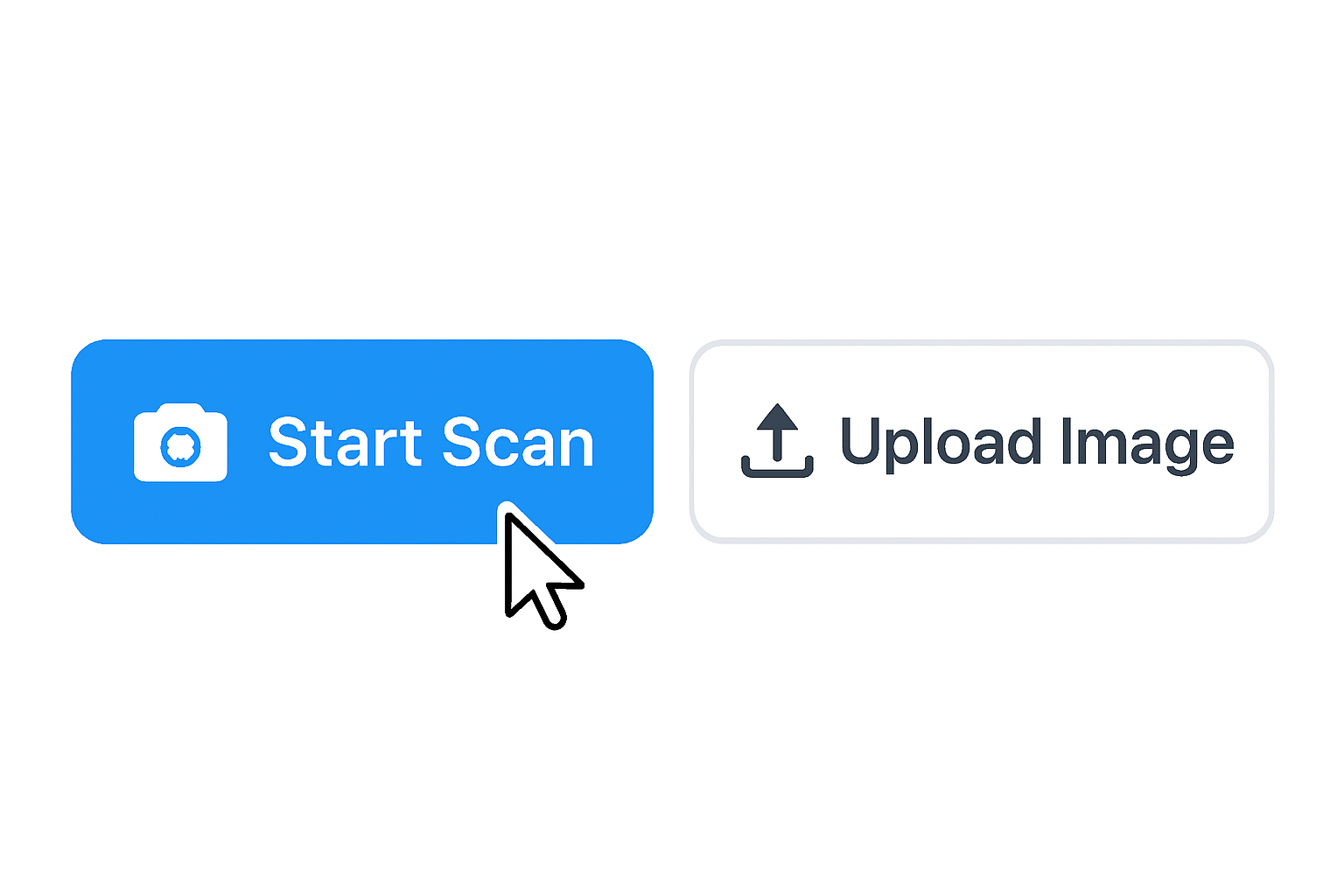
Start the Scanner or Upload an Image
First, click “Start Scan” to activate your camera. Alternatively, click “Upload Image” or drag-and-drop a file to scan a QR code from an image.
-
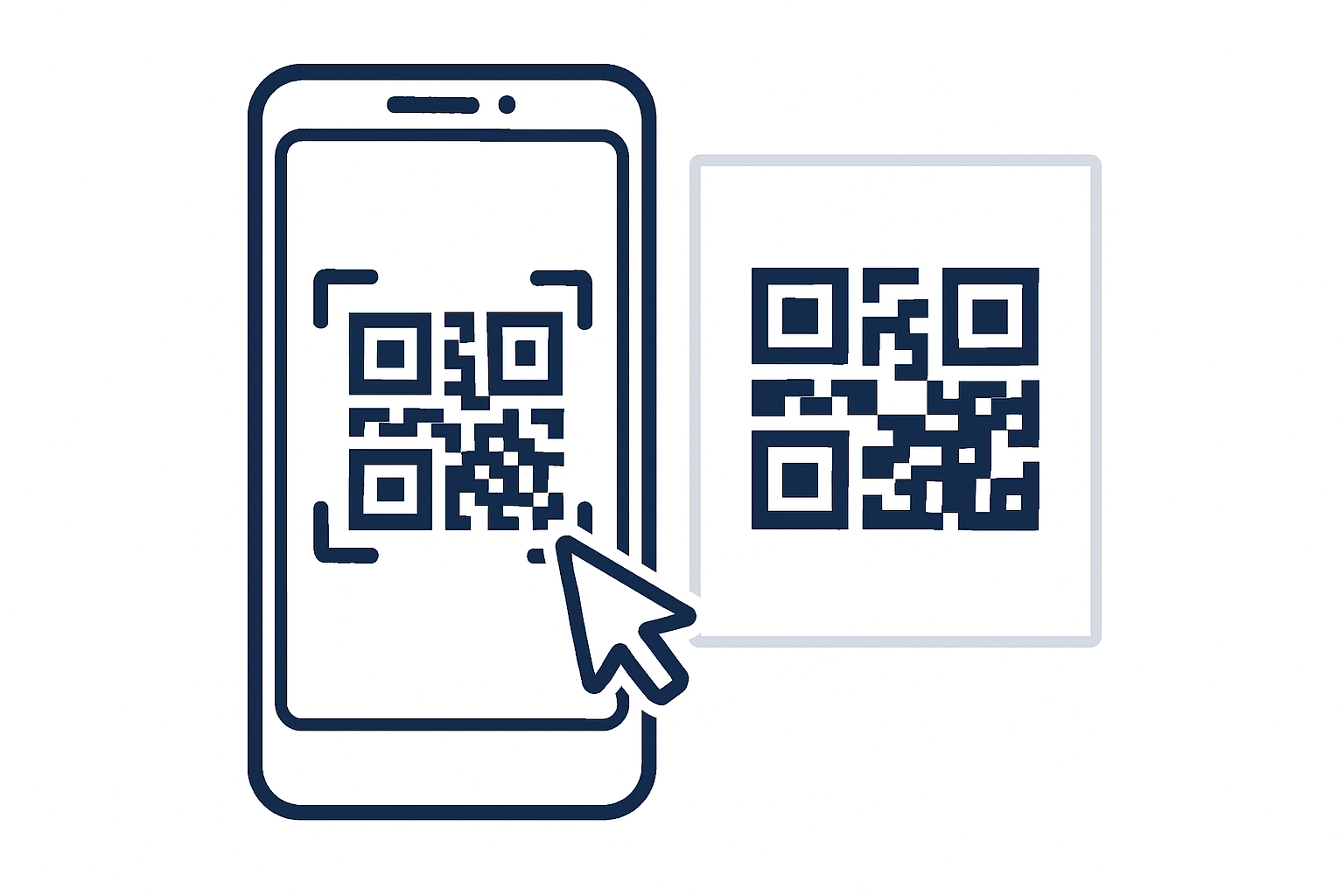
Position the Code
If using your camera, point it at the QR code so it’s clearly visible. If you uploaded an image, the tool will automatically search for a code.
-
Get Instant Results
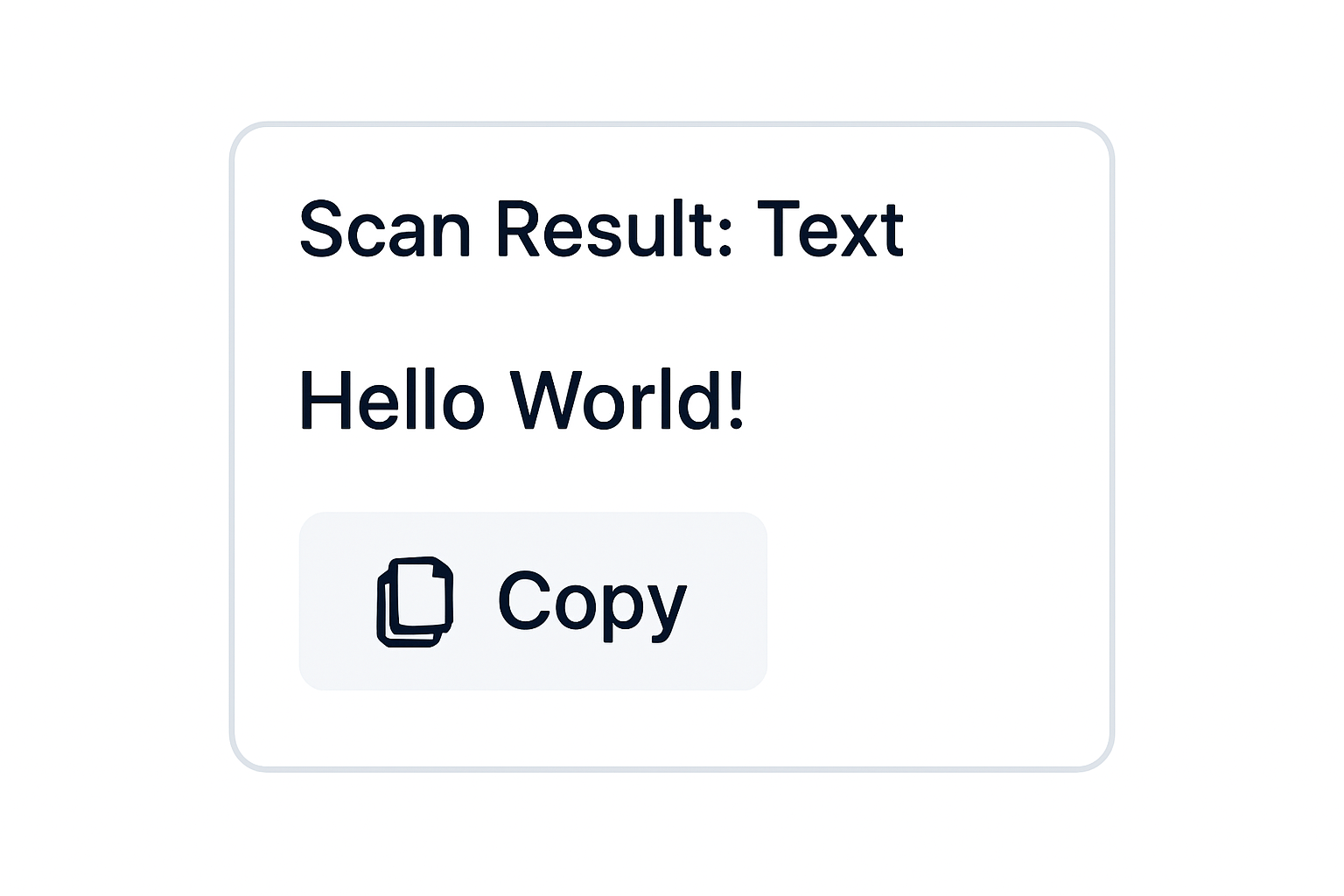
The tool will instantly decode the information. You can then copy the data or use action buttons, such as “Open Link” or “Copy Password”.
Supported Code Types & Data
Our online scanner can read a wide variety of QR codes and barcodes, interpreting the data for easy use.
The OneToolStop Advantage: Unbreakable Privacy
At OneToolStop, your privacy is not an afterthought—it’s the foundation of our tools. When you use our secure QR scanner, your camera feed is processed in real-time within your browser. At no point are your camera stream or image files ever sent to our servers. Because of this, your data stays with you, always.
Frequently Asked Questions
Is the online QR and barcode scanner tool truly free?
Absolutely, our tool is 100% free to use. There are no hidden fees, subscriptions, or limits on the number of scans. Therefore, you can read QR codes online as often as you need.
Are my camera feed or uploaded images saved on your server?
Absolutely not. Your privacy is our highest priority. All scanning and decoding processes are performed locally within your browser. For this reason, your camera data and images never leave your device.
Can I scan a QR code from a picture on my computer?
Yes, you certainly can. Simply click the “Upload Image” button or drag and drop your image file onto the scanner. The tool will then analyze the image and display the decoded result.
Explore More with OneToolStop
Beyond our free Online QR & Barcode Scanner, OneToolStop offers a growing suite of reliable utilities. From our Image Compressor to our Batch Image Converter, our mission is to provide secure, fast, and user-friendly tools that work right in your browser.