Text to Handwriting
Free Text to Handwriting Converter
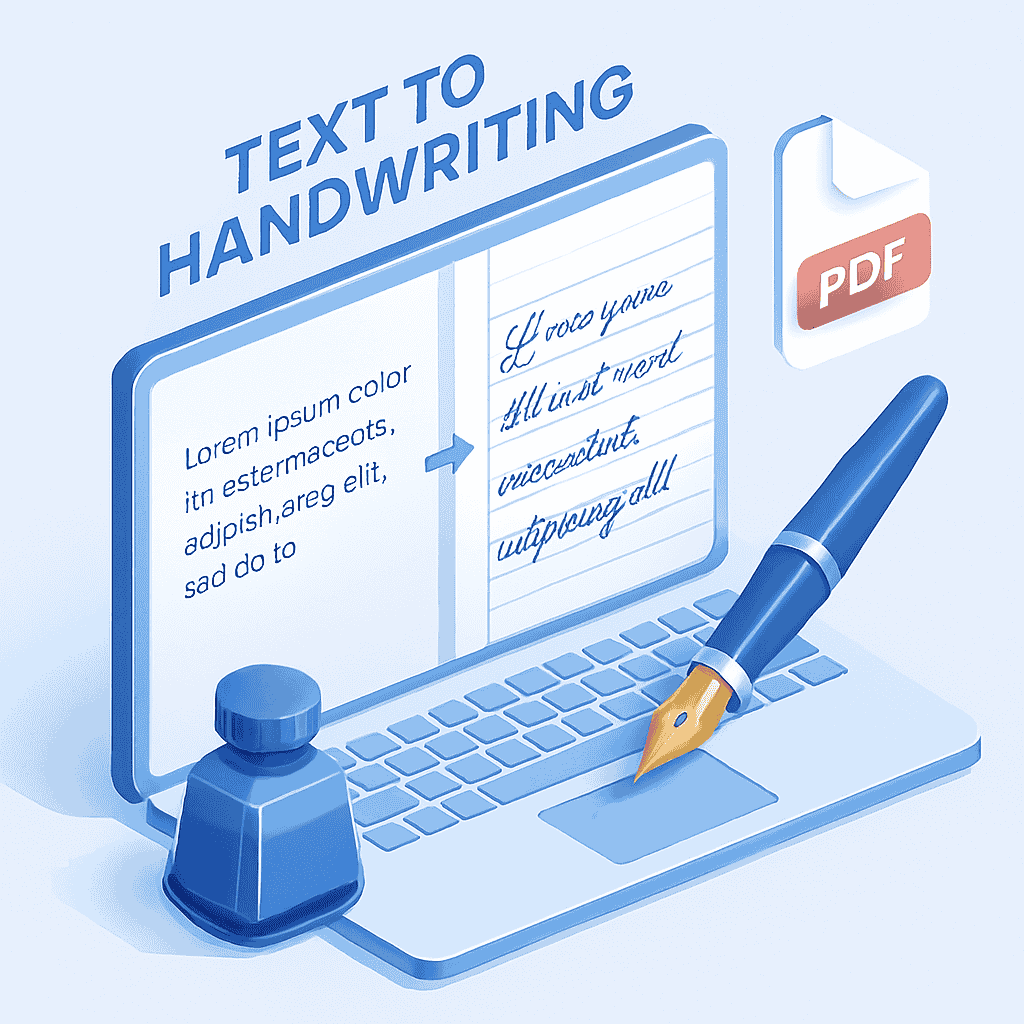
Transform your digital text into realistic handwritten notes instantly with our Text to Handwriting Tool. Perfect for students, teachers, and creatives who need to generate assignment drafts, personalized letters, or study notes without picking up a pen. Customize fonts, ink colors, and paper styles to get the exact look you want.
Why Use Our Handwriting Generator?
Realistic Fonts
Choose from a variety of curated handwriting fonts that look natural and authentic, from neat print to cursive.
Full Customization
Adjust ink color, paper type, font size, and line spacing to match your personal style or assignment requirements.
Export to PDF
Download your generated notes as a high-quality image (PNG) or a multi-page PDF document ready for printing.
Mobile Friendly
Works seamlessly on phones, tablets, and desktops so you can create notes anytime, anywhere.
Time needed: 2 minutes.
Creating handwritten notes digitally is quick and easy. Here’s how:
-
Type or Paste Text
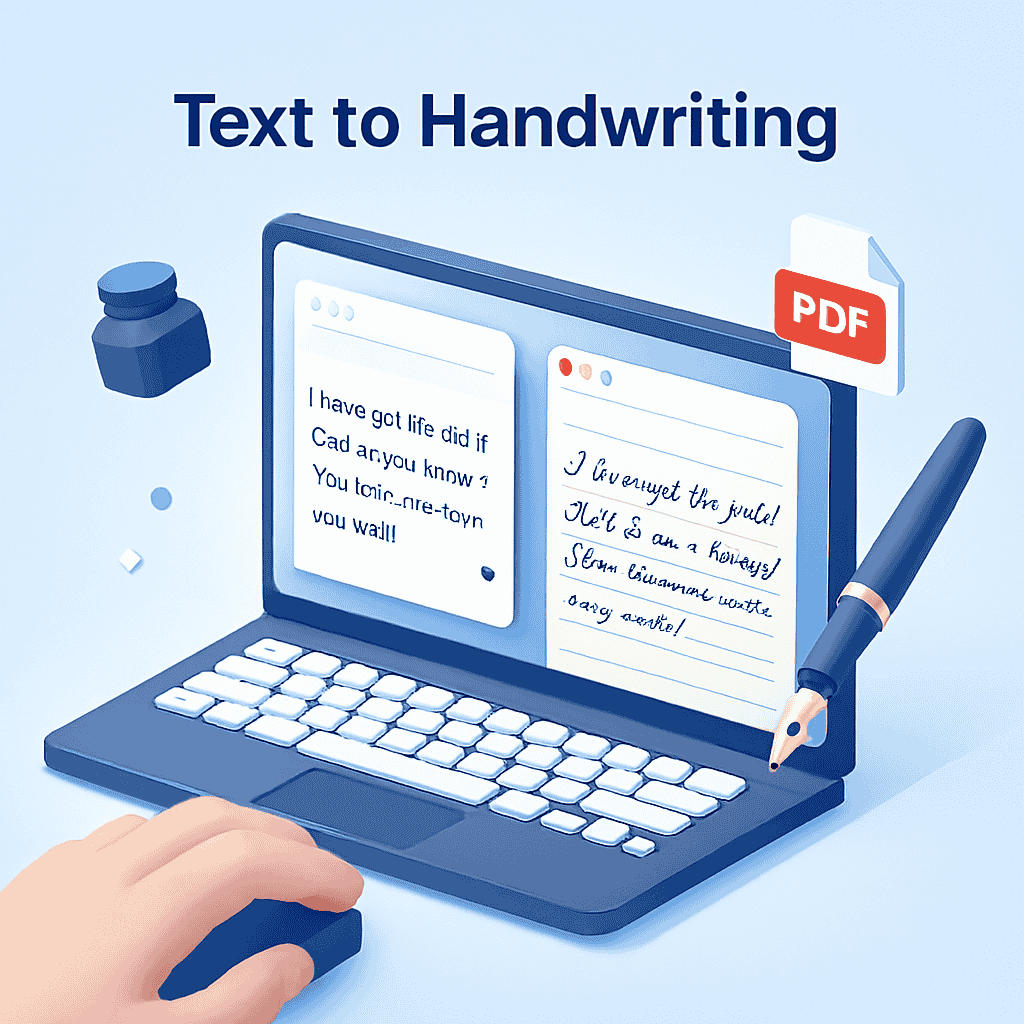
Enter your content into the text editor on the left. You can type directly or paste text from another document.
-
Customize Look
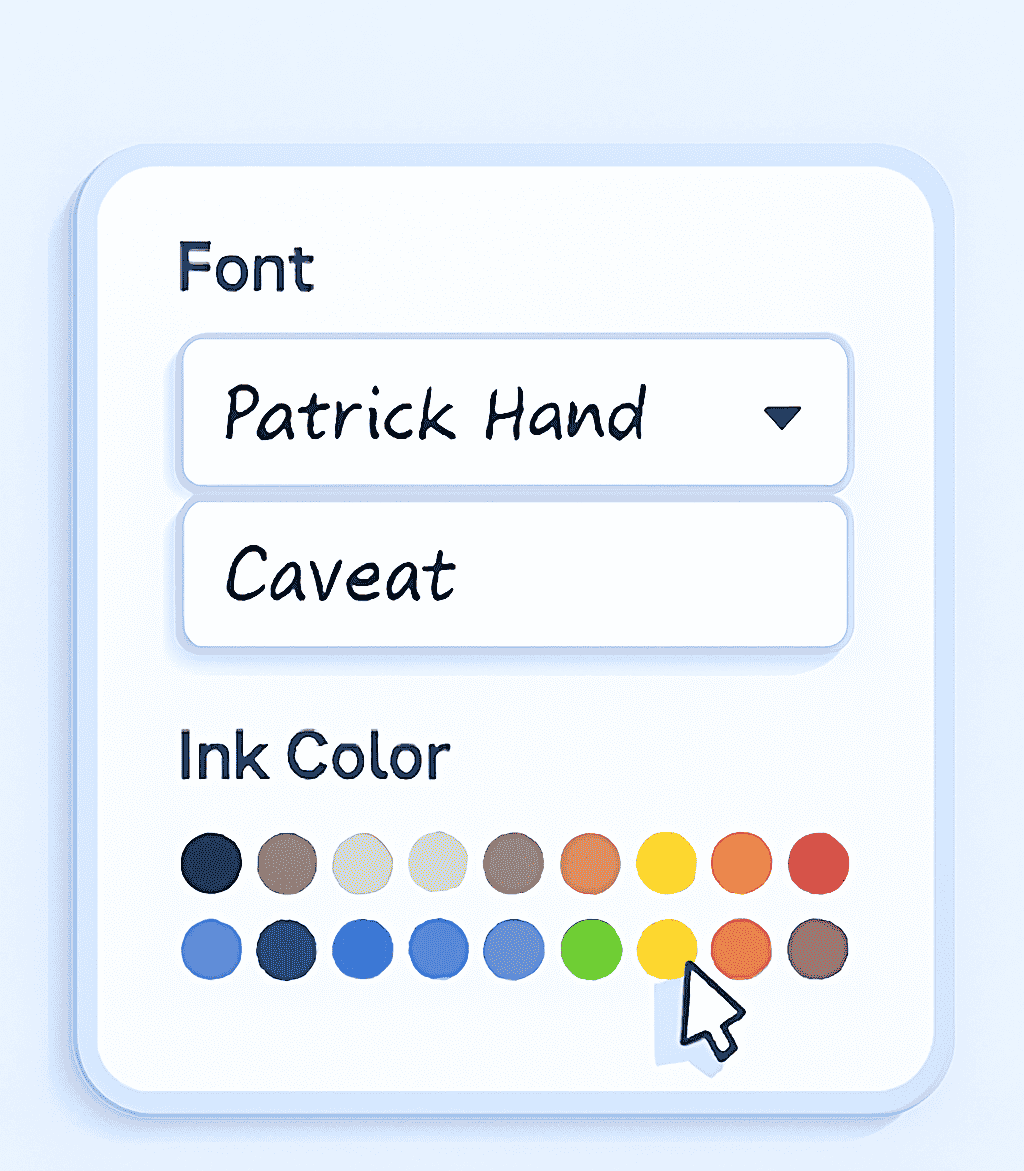
Use the toolbar to change the font style, adjust the size, and pick your favorite ink color. You can also toggle lines and margins.
-
Download Note
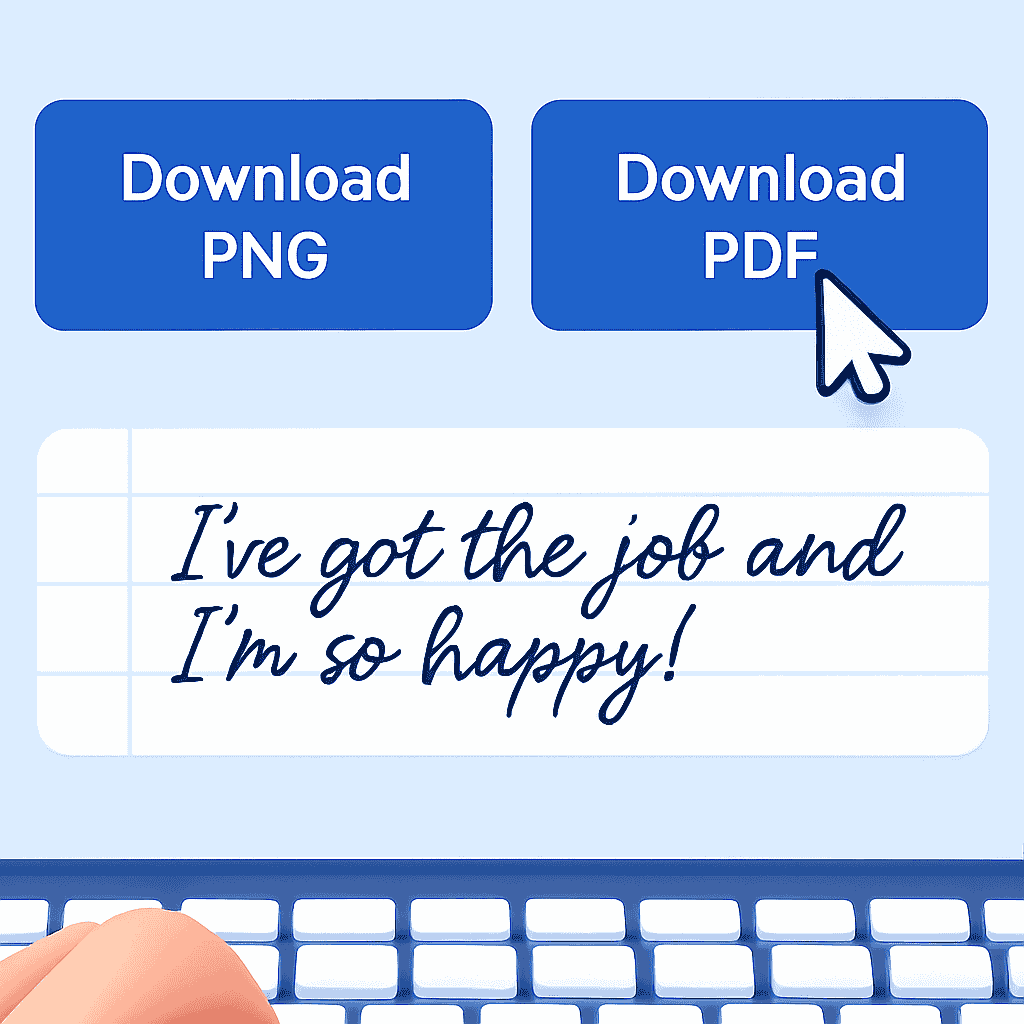
Once you’re happy with the preview, click “Download PNG” for an image or “Download PDF” for a document.
Frequently Asked Questions
Currently, we offer a selection of popular Google Fonts optimized for handwriting. Custom font upload is a planned feature for future updates.
Yes, this Text to Handwriting converter is 100% free. You can generate unlimited pages without any cost or watermarks.
Yes! When downloading as a PDF, the tool automatically paginates your text, so long assignments will be saved as a multi-page document.
Explore More Tools
Need more help with your documents? Try our Word Counter to check your assignment length or use the Case Converter to fix capitalization errors before generating your note.