Generate QR code
Settings Reset CustomizationsEnter or paste URL
Dots
Marker border
Marker center
Choose a color
File format
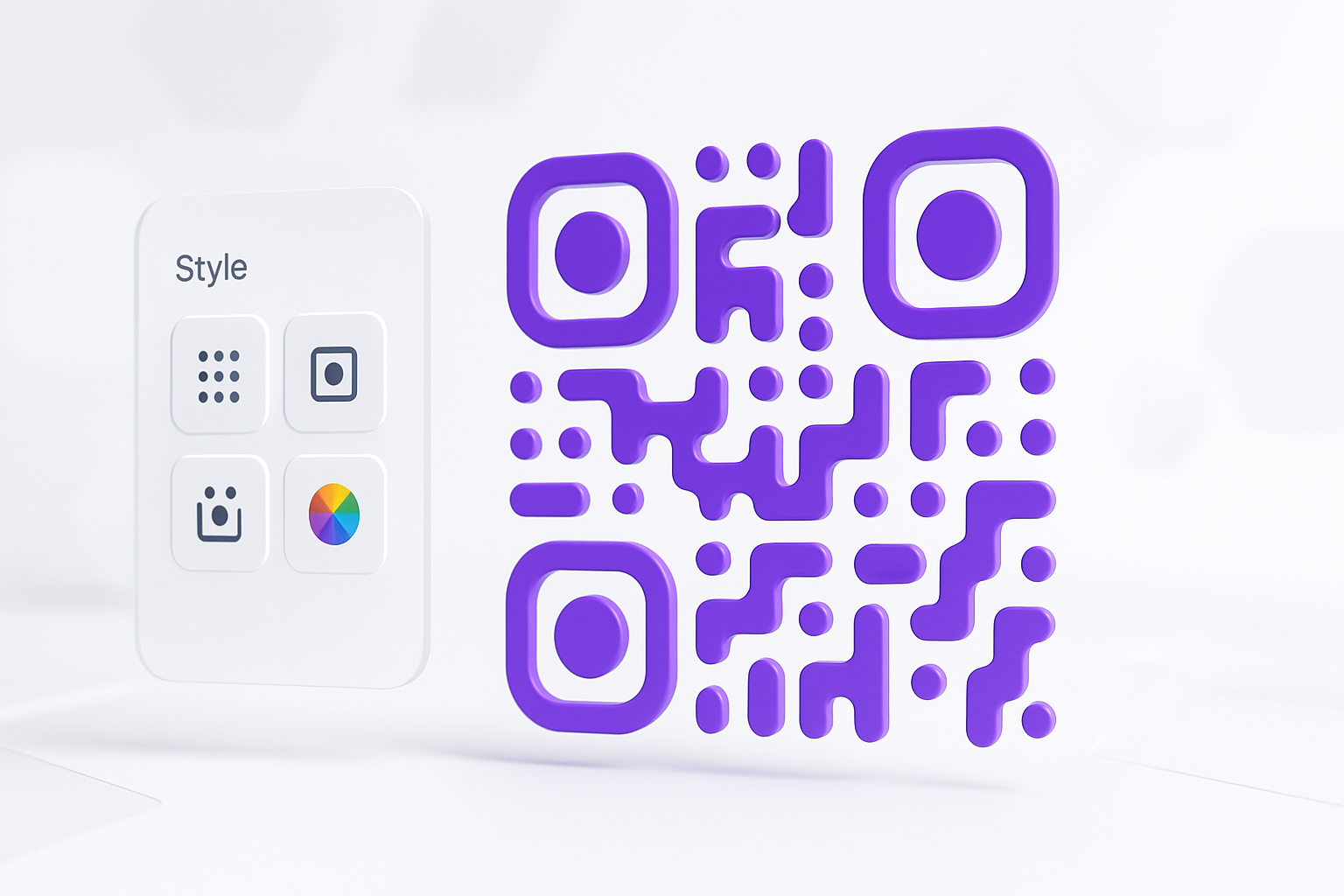
Create Stunning QR Codes with a Custom QR Code Generator
Instantly create unique QR codes with our powerful and free custom QR code generator. Design beautiful codes that capture attention and match your brand’s identity. Customize everything from the dot and marker styles to the colors, and download your high-quality creation instantly.
Why Use Our Custom QR Code Generator?
Deep Customization
Change styles and select from a wide palette of colors to create a truly unique QR code.
Instant Live Preview
See your design come to life in real-time as you make changes, so you know exactly what your code will look like.
High-Quality Downloads
Download your finished QR code in multiple formats, including PNG and high-resolution SVG for printing.
100% Private & Secure
Our custom QR code generator works entirely in your browser. Your data never touches our servers.
How to Generate a Custom QR Code
-
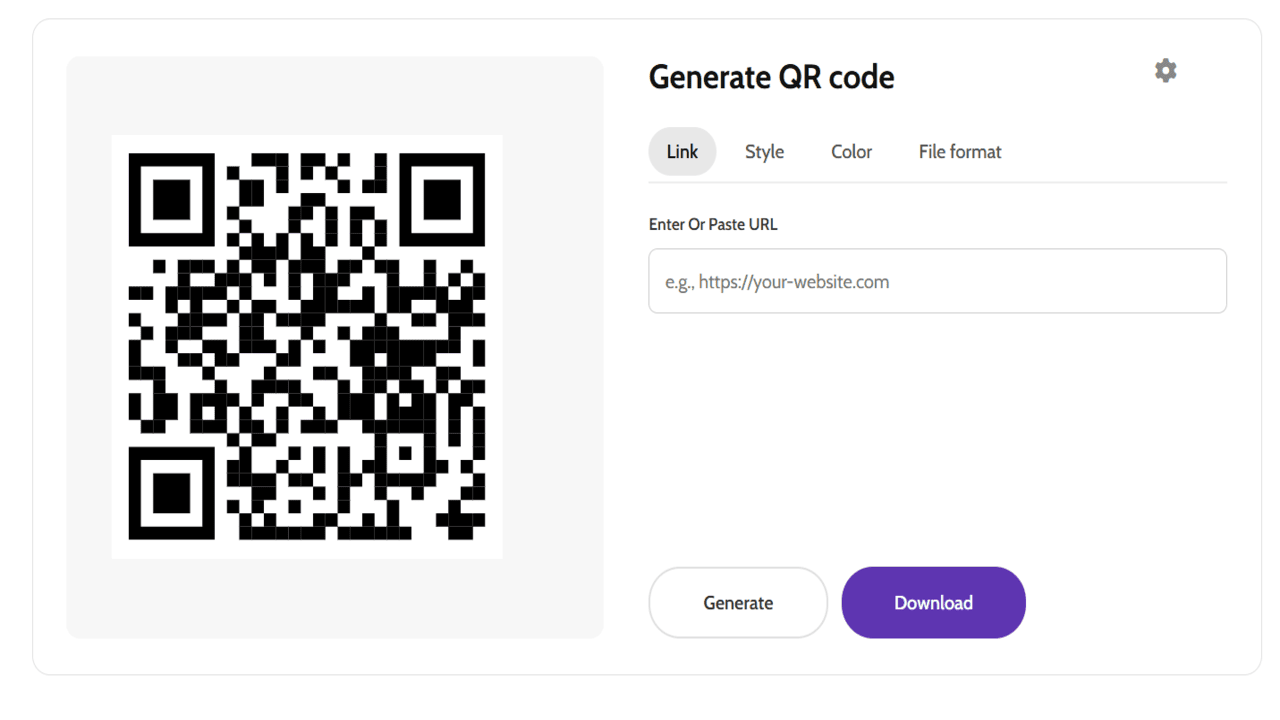
Enter Your Data
In the “Link” tab, enter the website URL or text you want to encode. A basic QR code will appear.
-
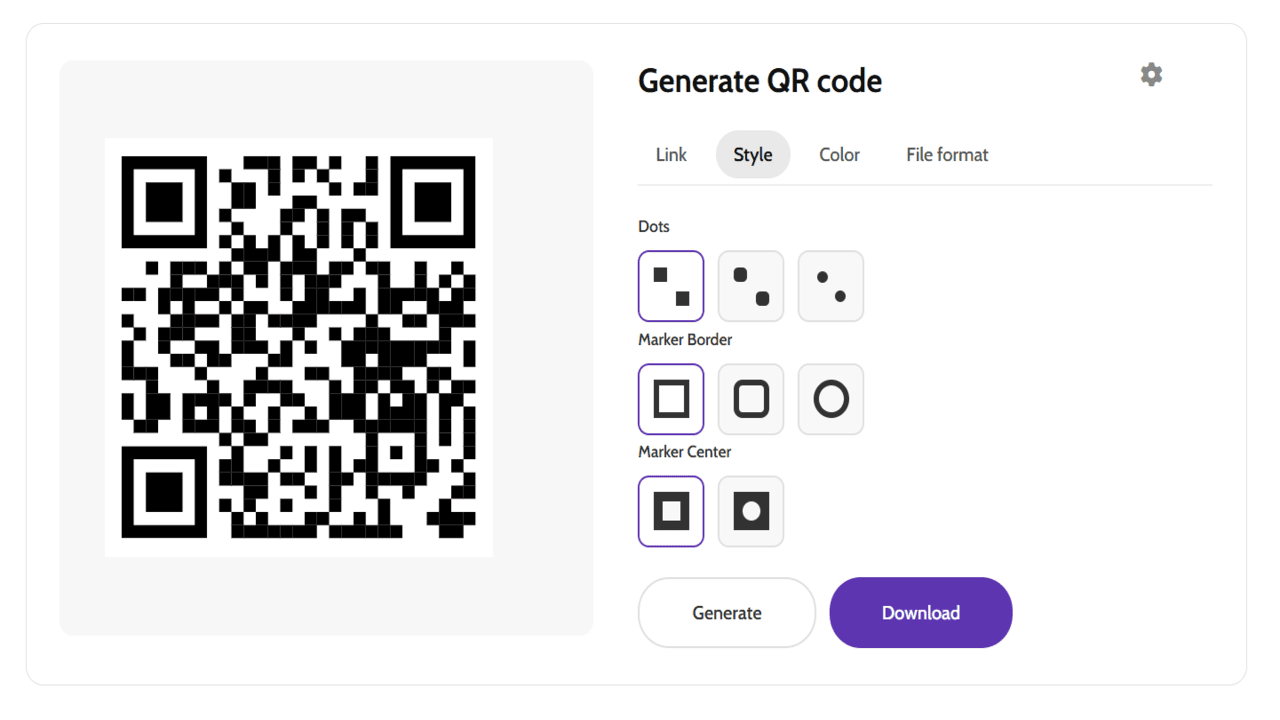
Customize the Design
Navigate through the “Style” and “Color” tabs to choose shapes and colors. The live preview will update with each selection.
-
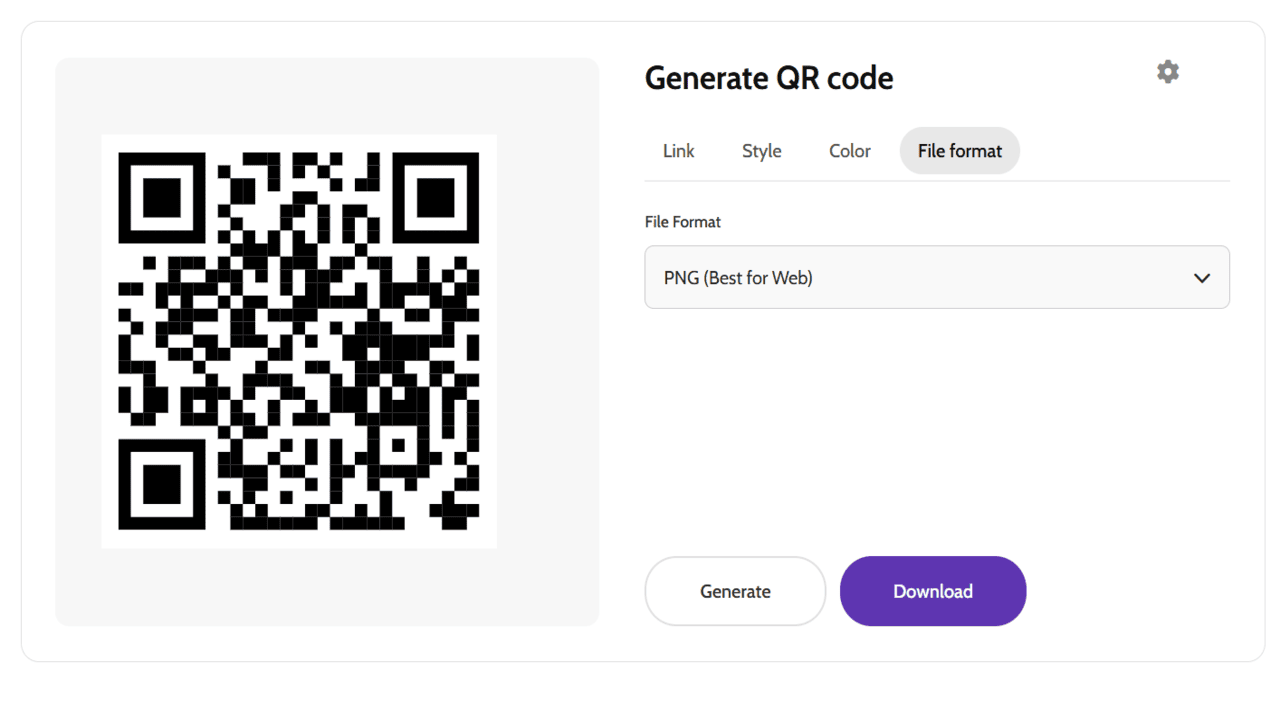
Download Your QR Code
Select your desired file format (PNG, JPG, or SVG) and click the “Download” button to save your custom QR code.
Unlock Your Creativity: A World of Possibilities
A QR code made with a custom QR code generator is a powerful marketing tool. By adding style and color, you can increase scan rates and reinforce your brand identity. Here are just a few ways you can use your creations:
- For Business & Marketing: Add a vCard QR code to business cards, link product packaging to tutorials, or direct event attendees to registration pages.
- For Personal & Everyday Use: Create a code for your home Wi-Fi network for guests, add RSVP links to invitations, or share your personal portfolio.
Frequently Asked Questions
What can I encode in a QR code?
While our tool is optimized for website URLs, you can encode any text-based information. This includes plain text, contact information (vCard), Wi-Fi network details, email addresses, and more.
Are the generated QR codes free for commercial use?
Yes, absolutely. Any QR code you create with our free custom QR code generator is yours to use however you wish, for both personal and commercial projects, without any restrictions.
Will my custom-styled QR code work on all devices?
Yes. Our QR codes adhere to standard specifications and will be readable by any modern QR code scanning app. For best results, ensure there is sufficient contrast between your QR code and its background.
Explore More and Learn
This custom QR code generator is just one of the many utilities we offer. Be sure to explore our complete collection of free online tools to find more ways to simplify your digital tasks. To learn more about the technology, read the QR code article on Wikipedia.