Advanced Online Scientific Calculator
Perform complex calculations with ease using our free online scientific calculator. Designed for students and professionals, this tool handles everything from basic arithmetic to advanced algebraic expressions. With a clean interface, calculation history, and a comprehensive formula reference guide, it’s the perfect companion for your math and science needs.
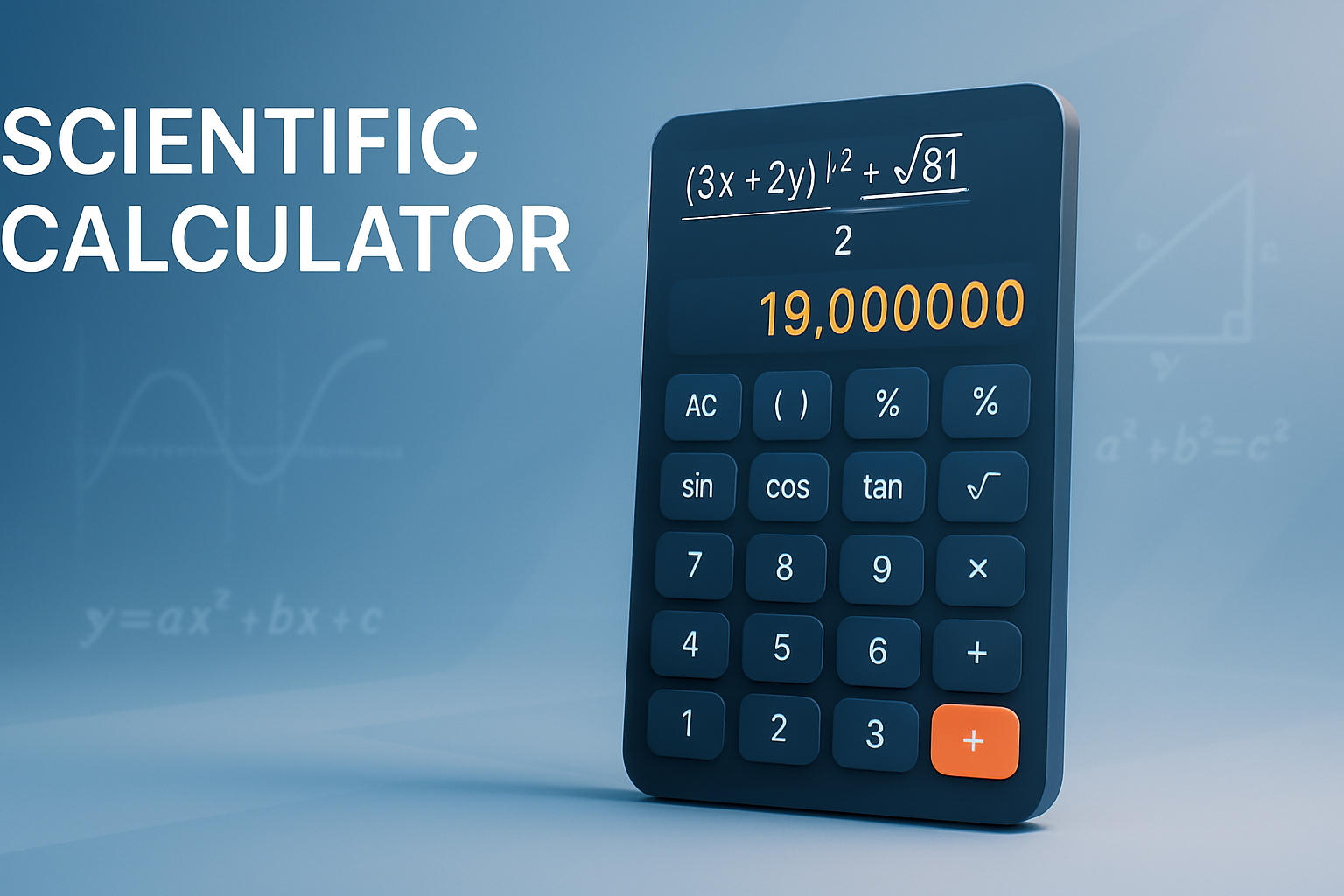
Key Features of Our Calculator
Dual Calculation Modes
Switch between a standard scientific calculator for numerical problems and an Algebra mode for working with variables.
Calculation History
Our optional history panel saves every equation and result, allowing you to review, reuse, or clear your work.
Built-in Formula Guide
Access an extensive reference library with common formulas for Algebra, Trigonometry, Calculus, and more.
Full Keyboard Support
For faster input, use your physical keyboard to type numbers and operators for a more efficient workflow.
How to Use the Calculator
Using the calculator is simple and intuitive. Follow these steps:
-
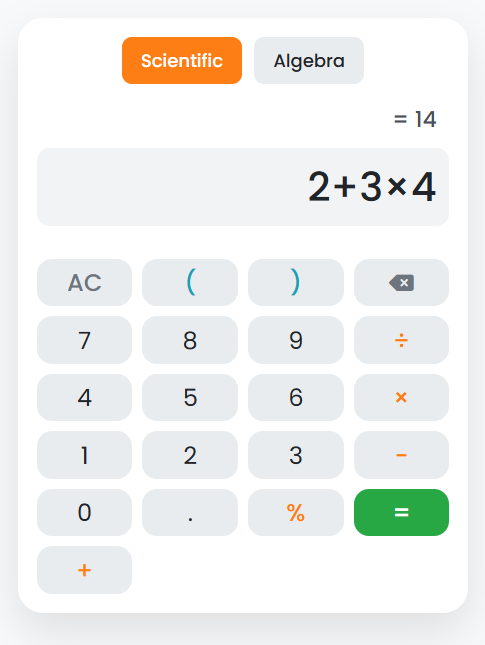
Enter Your Expression
Use the on-screen buttons or your keyboard to input your mathematical problem. The expression will appear at the top.
-
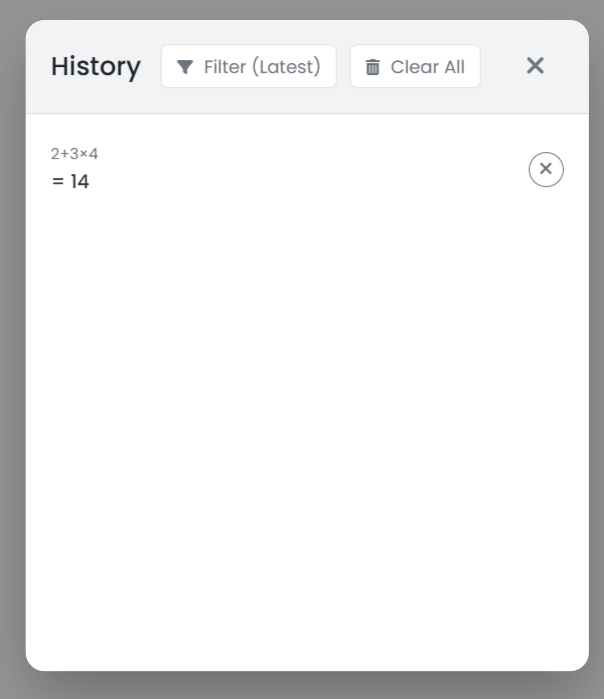
View Live Preview & History
As you type, a live preview of the result is shown. If history is enabled, your calculation will be saved automatically.
-
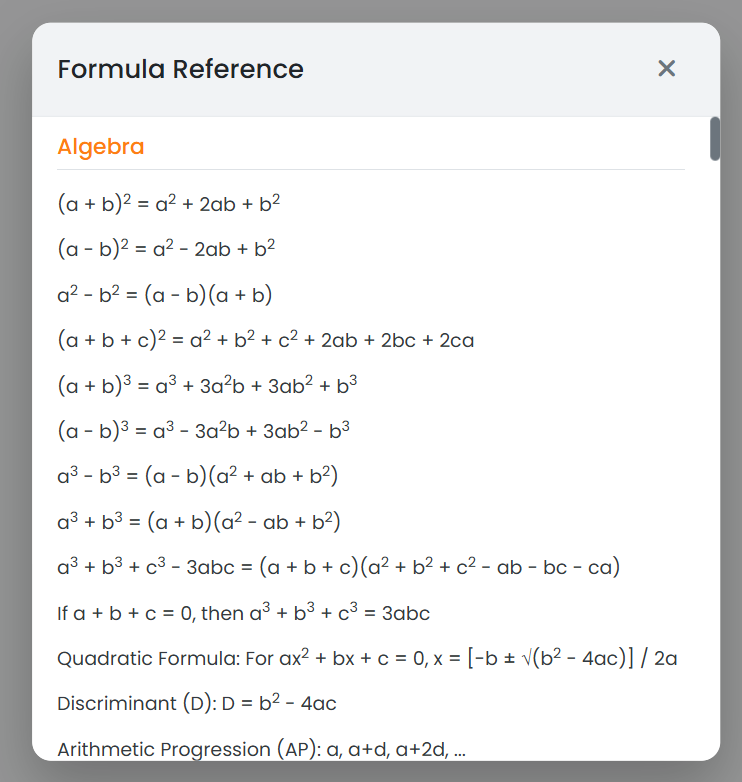
Access Formulas if Needed
If you need to look up a formula, click the formula icon to open a comprehensive reference guide.
A Tool for Every Student and Professional
For Students
Quickly solve homework problems, check your work, and use the formula guide to study for exams in Algebra, Trigonometry, and Calculus.
For Professionals
An essential tool for engineers, programmers, and financial analysts. Perform quick calculations without needing separate software.
Frequently Asked Questions
Is my calculation history saved privately?
Yes. Your history is saved directly in your web browser’s local storage. It is never sent to our servers, ensuring complete privacy.
What does the Algebra mode do?
The Algebra mode allows you to work with expressions containing variables like ‘x’ and ‘y’, which you can then save to your history or copy for use elsewhere.
Can I use this calculator offline?
You need an internet connection to load the page initially. However, once loaded, the scientific calculator will continue to work even if your connection is interrupted.
Explore Our Other Tools
After using our scientific calculator, check out our other utilities like our Word Counter or Direct File Downloader. For our full collection, visit the main Tools page.