Color Blender
Input Colors
Saved Blends
Recent History
Free Online Color Blender & Mixer
Discover the perfect color combinations with our free and intuitive color blender. Mix two or more colors together to find the perfect shade, or experiment with advanced blending modes like Multiply and Screen to create unique effects. Get instant results in HEX, RGB, and HSL formats, and save your favorite blends for future use.
Key Features of Our Color Blender
Mix Multiple Colors
Go beyond two colors. Our tool allows you to add and blend up to six different colors at once to create complex palettes.
Advanced Blend Modes
Switch between Normal, Multiply, Screen, and Overlay blend modes to see how colors interact in different ways.
Instant Color Codes
The resulting color is instantly displayed with its HEX, RGB, and HSL values, ready for you to copy and use.
Save & Manage Blends
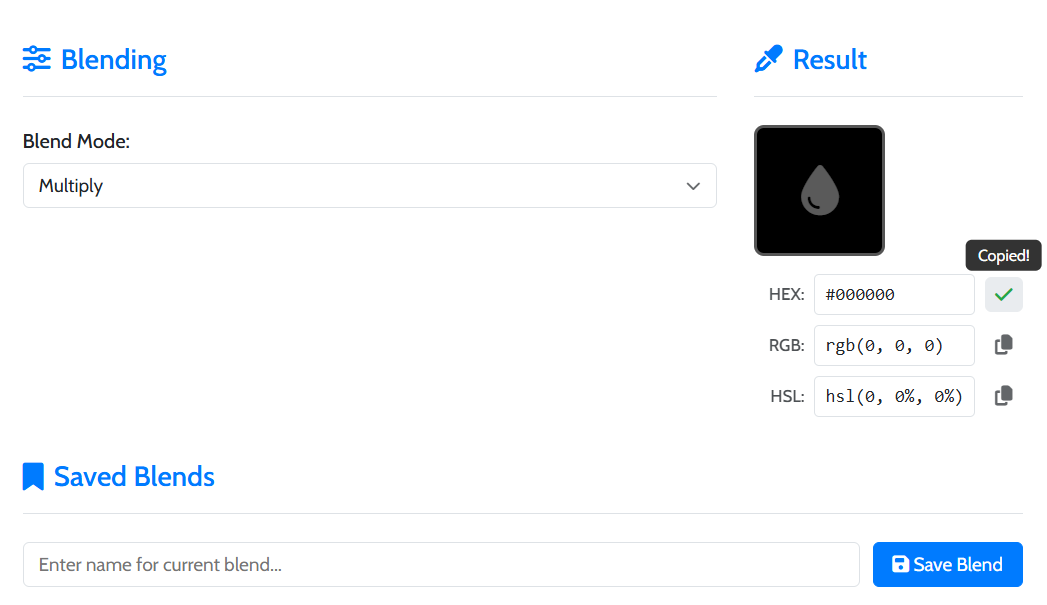
Name and save your favorite color blends for later. Your saved blends are stored privately in your browser.
Time needed: 1 minute.
Using our color blender is fast and creative. Follow these steps:
-
Add Your Colors
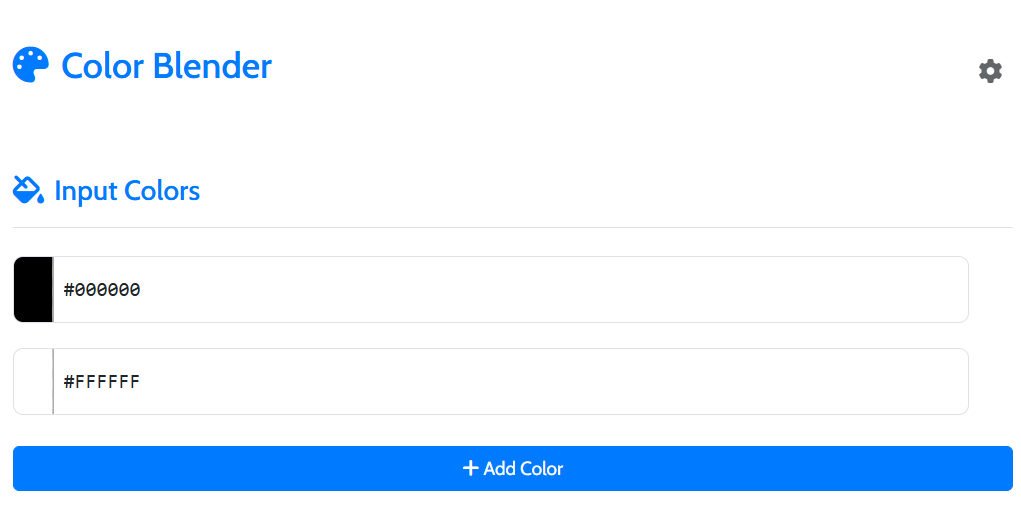
Use the color pickers to select your starting colors. Click “Add Color” to add more to the mix.
-
Choose a Blend Mode
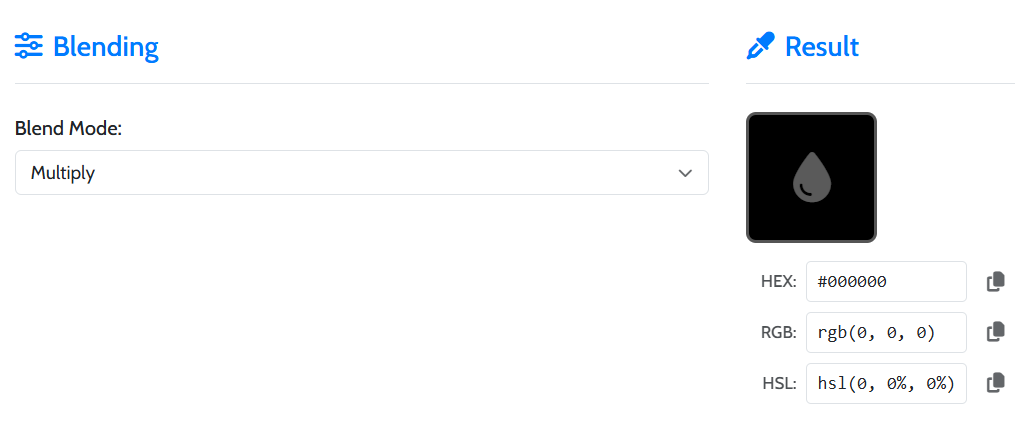
Select a blend mode from the dropdown. “Normal” will average the colors, while others create different visual effects.
-
Get Your Result
The resulting color is displayed instantly. You can copy the HEX, RGB, or HSL code with a single click.
Frequently Asked Questions
Blend modes are formulas that determine how colors interact. “Multiply” creates darker colors, while “Screen” creates lighter ones. They are common in design software like Photoshop.
Yes, your recent blend history and saved blends are stored locally in your browser’s storage. This data is private and never sent to our servers.
Our color blender supports HEX, RGB, and HSL values. You can type or paste them directly into the color input fields.
Explore Our Other Tools
After creating the perfect color, you might need other design utilities. Try our AI Image Generator or our Add Text to Image tool. For a full list, visit our main Tools page.