1Choose Your Audio
Upload an MP3 file or record directly from your microphone.
Drag & drop an MP3 file here
or click to browse
Max file size: 100MB
Max 10 minutes
2Customize Your Video
Adjust the look and feel of your visualization. Changes are reflected live in the preview.
3Render & Download
Your video is being created. Please wait for the process to complete.
Initializing renderer…
Free Audio to Video Converter with Visualizer
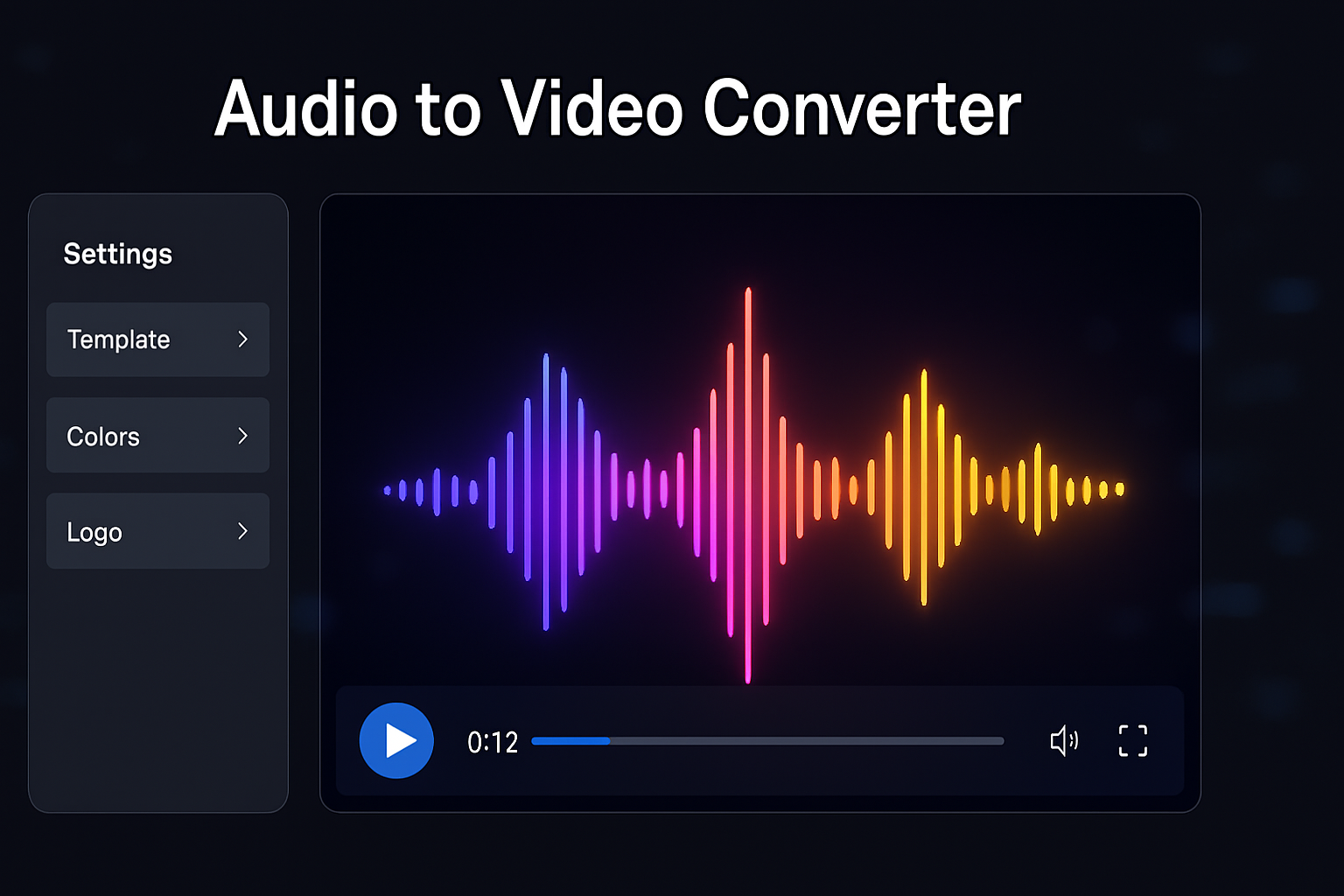
Transform your audio tracks into captivating videos with our free online audio to video converter. Create stunning music videos, podcast visualizations, or dynamic social media content by combining your sound with customizable animated graphics. Upload an MP3 or record your voice, style your video, and render a high-quality MP4 right in your browser.
Key Features of Our Audio Visualizer
Multiple Audio Sources
Upload your own MP3 file or use our built-in tool to record your voice directly from your microphone.
Customizable Templates
Choose from various visualizer templates and customize colors, backgrounds, and logos to match your brand.
In-Browser Rendering
Our powerful converter processes and renders your entire video on your device, ensuring your files remain 100% private.
High-Quality MP4 Output
Export your final creation as a high-quality MP4 video in 720p, 1080p, or even 4K resolution.
How to Create a Music Visualizer
Creating your video is easy. Follow these simple steps:
-
Upload or Record Audio
Drag and drop your MP3 file or switch to the record tab to capture audio directly from your microphone.
-
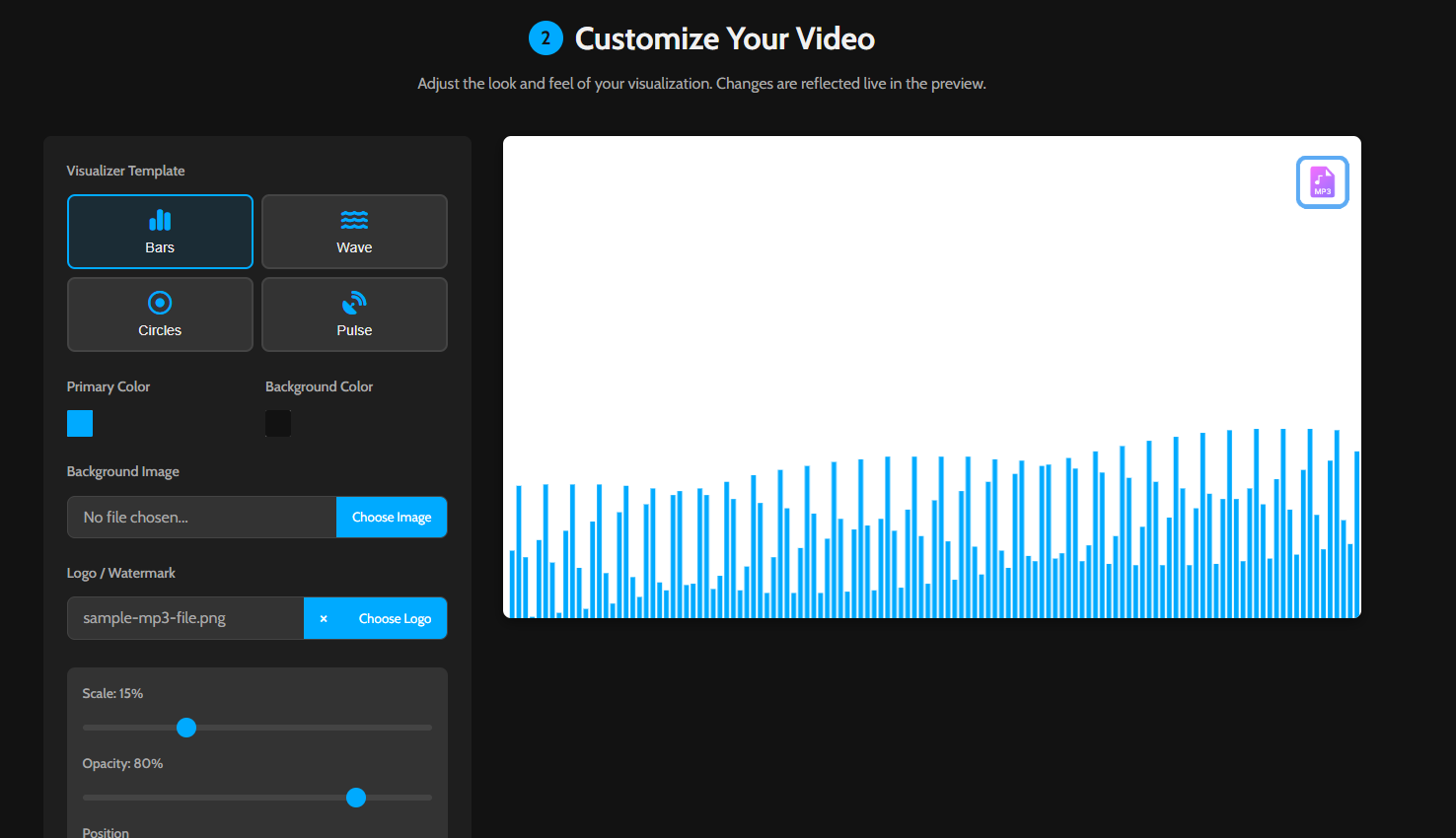
Customize Your Visualizer
Choose a template, set the colors, and optionally add your own background image and logo to brand your video.
-
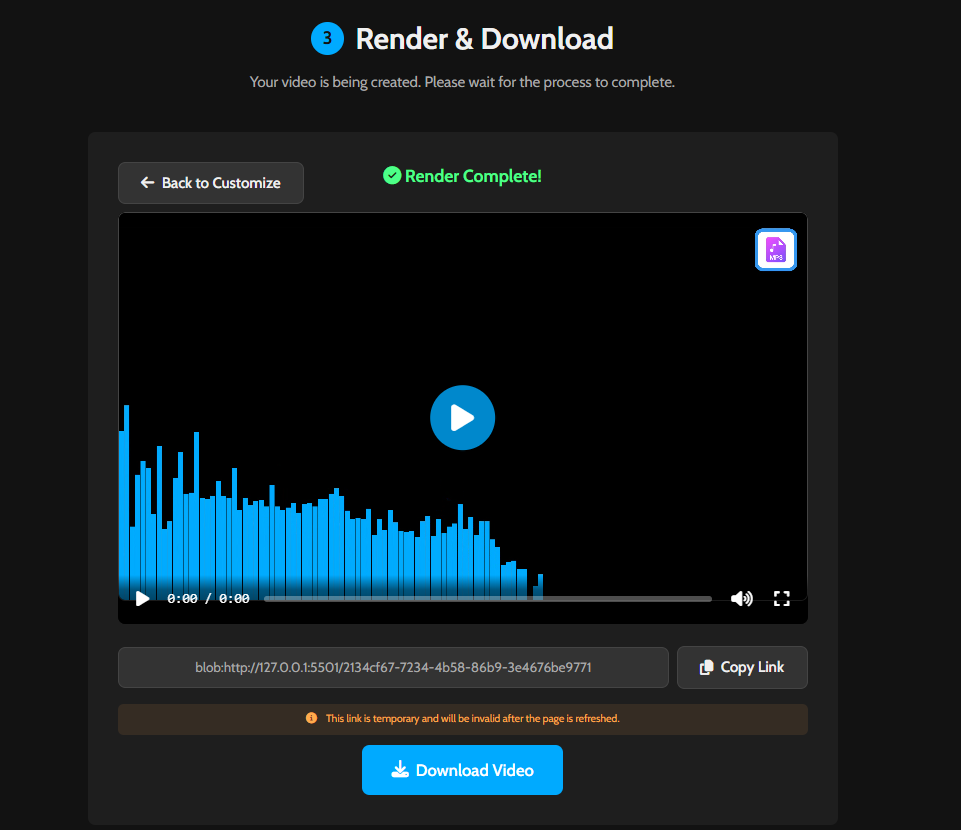
Render and Download Video
Click “Generate Video”. Our tool will render your audio visualization in your browser. Once complete, you can download it as an MP4 file.
Perfect for Creators of All Kinds
For Musicians & Artists
Create stunning visualizers for your new tracks or DJ mixes. It’s the perfect way to share your music on platforms like YouTube and Instagram.
For Podcasters & Creators
Turn your podcast episodes or audio clips into engaging videos. Add a background image and your logo to create a branded, shareable video.
Frequently Asked Questions
Are my audio files uploaded to your server?
No, never. The entire process happens locally in your web browser. Your files remain on your device, ensuring complete privacy.
What is the maximum audio length or file size?
You can upload MP3 files up to 100MB. For direct recording, the limit is 10 minutes to ensure smooth performance in the browser.
How long does the video rendering take?
Rendering time depends on the audio length, selected quality, and your computer’s power. A more powerful computer will render faster.
Explore More Creative Tools
After creating your video, explore our other utilities. Use our Online Voice Recorder or our Add Text to Image tool. For a full list, check out our main Tools page.