Experience Android Online
Dive into a fully interactive Android simulator right in your browser. Test drive apps, explore the UI, and see what’s possible.
Launch SimulatorExperience a Fully Interactive Online Android Simulator
Step into a virtual smartphone with our free and interactive online Android simulator. This is not just a static demo; it’s a dynamic, browser-based experience that lets you explore a simulated Android environment, open functional apps, and interact with the UI just like a real device. Perfect for testing, demos, or just for fun, all without any downloads.
Key Features of Our Android Simulator
Realistic Interface
Experience a familiar Android UI, complete with a home screen, app drawer, dock, and interactive gesture controls.
Functional System Apps
Open and interact with built-in apps, including a working camera, photo gallery, web browser, and more.
Deep Customization
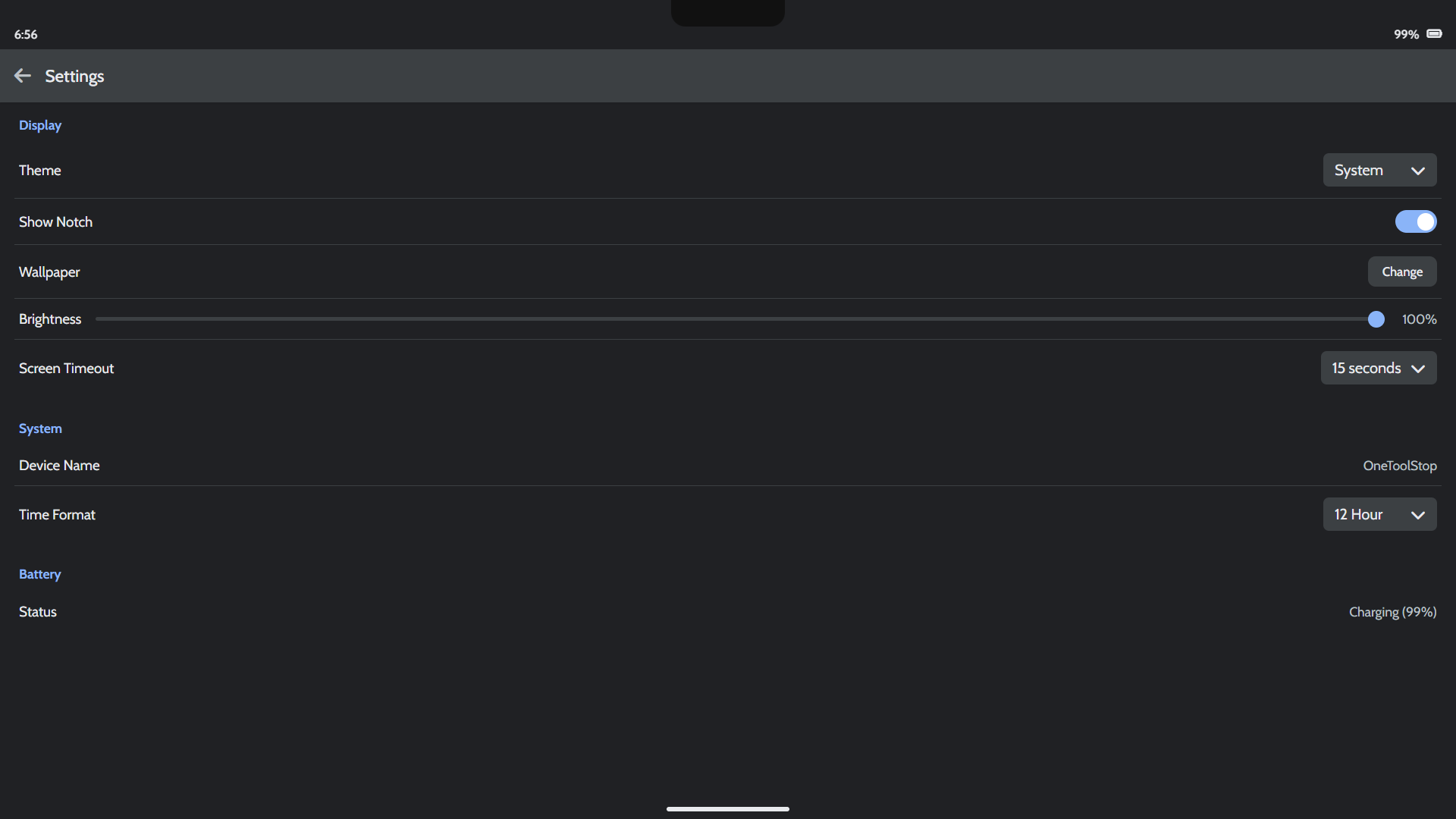
Dive into the Settings app to change the wallpaper, switch between light and dark themes, and adjust brightness.
100% Browser-Based
Our entire simulator runs on client-side technology, ensuring a completely private and secure experience.
How to Use the Simulator
Getting started with the simulator is instant. Follow these quick steps:
-
Launch the Simulator
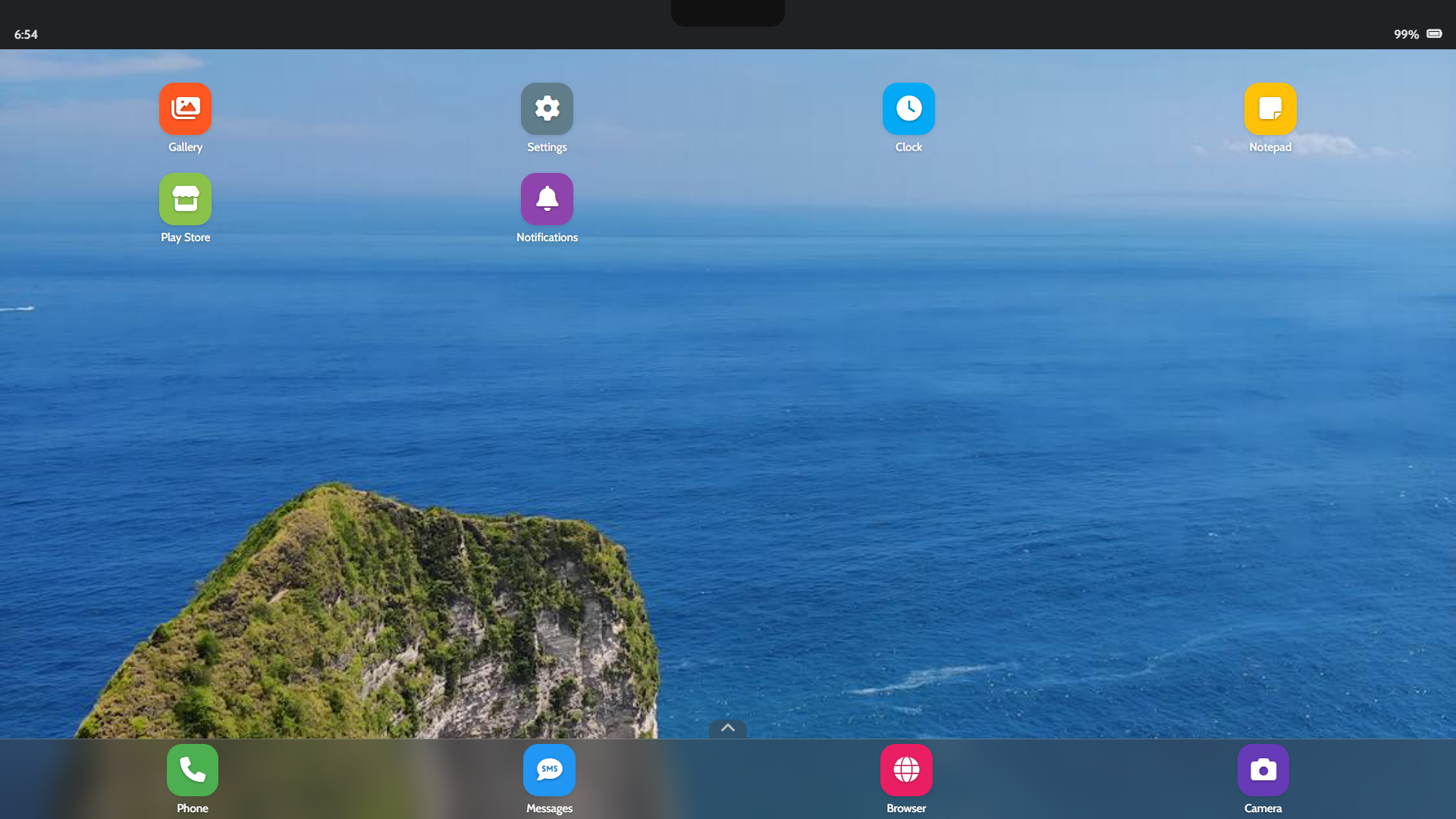
Simply tap anywhere on the welcome screen to launch the simulator. It will load instantly in your browser.
-
Open and Use Apps
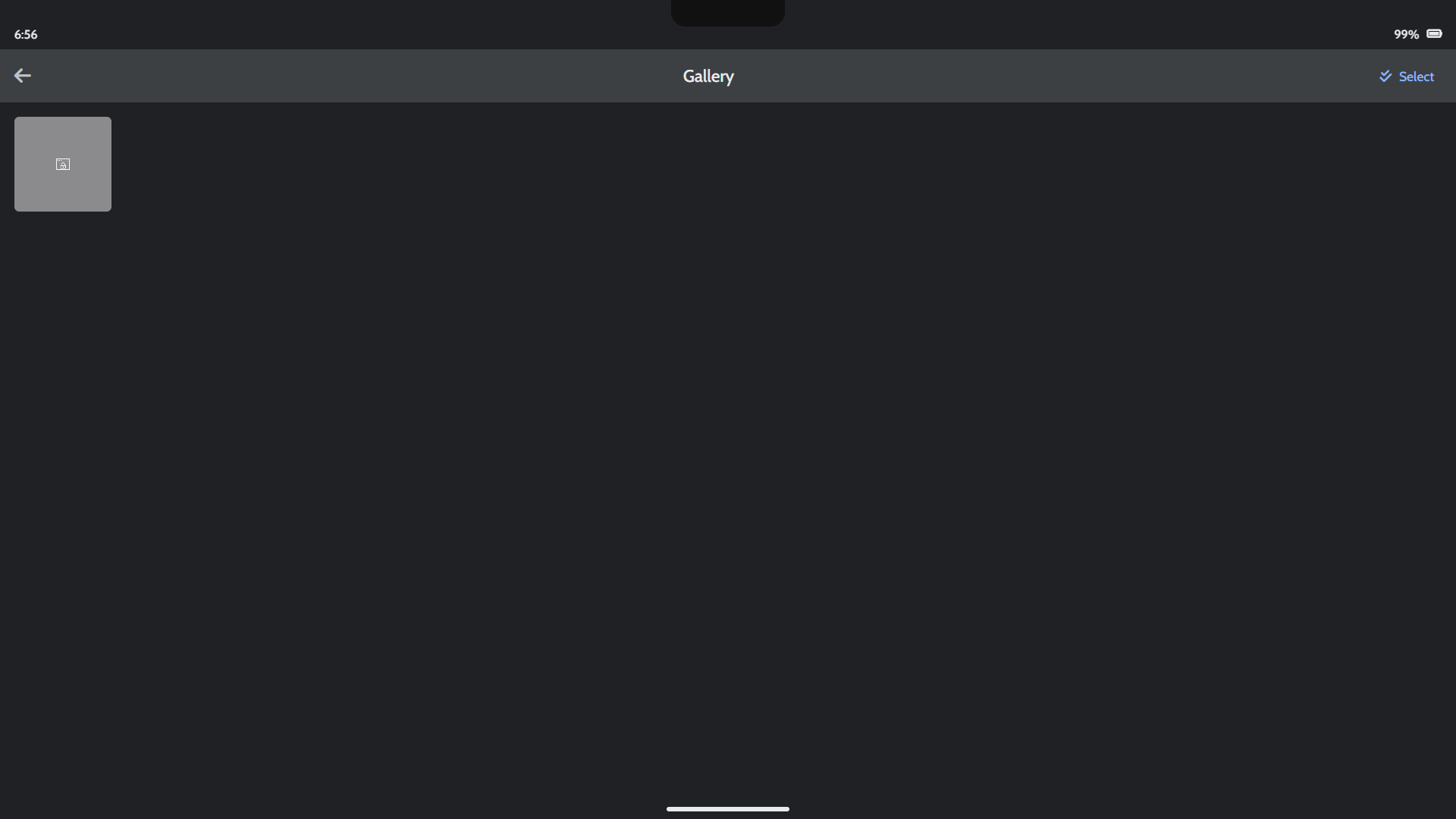
Tap any app icon on the home screen or swipe up to open the app drawer. You can view photos, take pictures, or browse the web.
-
Customize Your Experience
Open the Settings app to personalize your simulated device. Change the wallpaper, switch to dark mode, or adjust screen brightness.
Online Simulator vs. Traditional Emulators
| Feature | OneToolStop Online Simulator | Desktop Emulators |
|---|---|---|
| Setup | Instant, no installation required | Requires large downloads & setup |
| Use Case | Quick demos, UI exploration, and fun | Professional app development & debugging |
| Performance | Lightweight, runs in any browser | Very resource-intensive |
| Accessibility | Accessible from any device | Limited to the desktop computer |
Frequently Asked Questions
Is this a full Android operating system?
No, this is a high-fidelity simulator built with web technologies (HTML, CSS, JavaScript). It mimics the look and feel of an Android device but does not run the actual Android OS, allowing it to run instantly in your browser.
Can I install my own apps?
The Play Store is a functional demo that lets you “install” a pre-defined set of apps built into the experience. You cannot install external APKs or apps from the real Google Play Store.
Is the data I create saved?
Yes, all data you create within the online Android simulator—such as photos or notes—is saved locally in your browser’s storage. It will be there when you return but is not accessible outside of the simulator.
Explore Our Other Tools
If you enjoy this interactive experience, be sure to check out our other utilities. Test QR codes with our QR & Barcode Scanner or create new ones with our Custom QR Code Generator. For a full list, visit our main Tools page.