Start typing to generate art...
Free Text to Emoji Generator
Convert your text into creative emoji art instantly with our Text to Emoji Tool. Whether you want to spell out your name in smileys, create fun social media posts, or just play around with ASCII-style emoji art, this tool makes it effortless. Choose from hundreds of emojis, adjust sizes, and create unique messages in seconds.
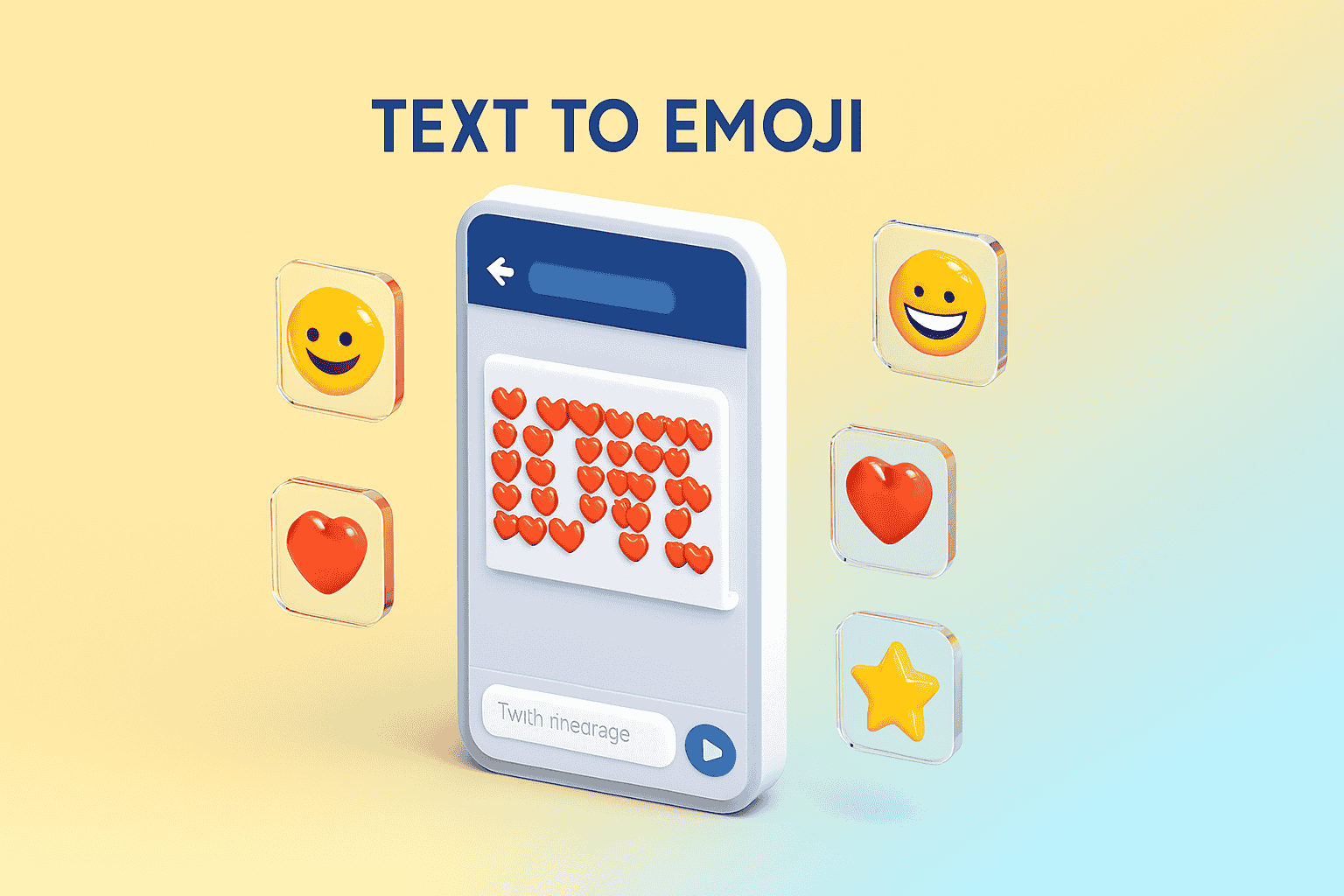
Why Use Our Emoji Art Maker?
Hundreds of Emojis
Select from a vast library of emojis including faces, animals, food, and objects to build your text art.
Custom Layouts
Control the size, alignment, and dimensions of your emoji text to fit perfectly on Twitter, Instagram, or WhatsApp.
One-Click Copy
Instantly copy your generated emoji art to your clipboard or download it as a text file for later use.
Mobile Friendly
Works perfectly on mobile devices, allowing you to create and share emoji messages on the go.
Time needed: 1 minute.
Creating fun emoji text is super simple. Follow these steps:
-
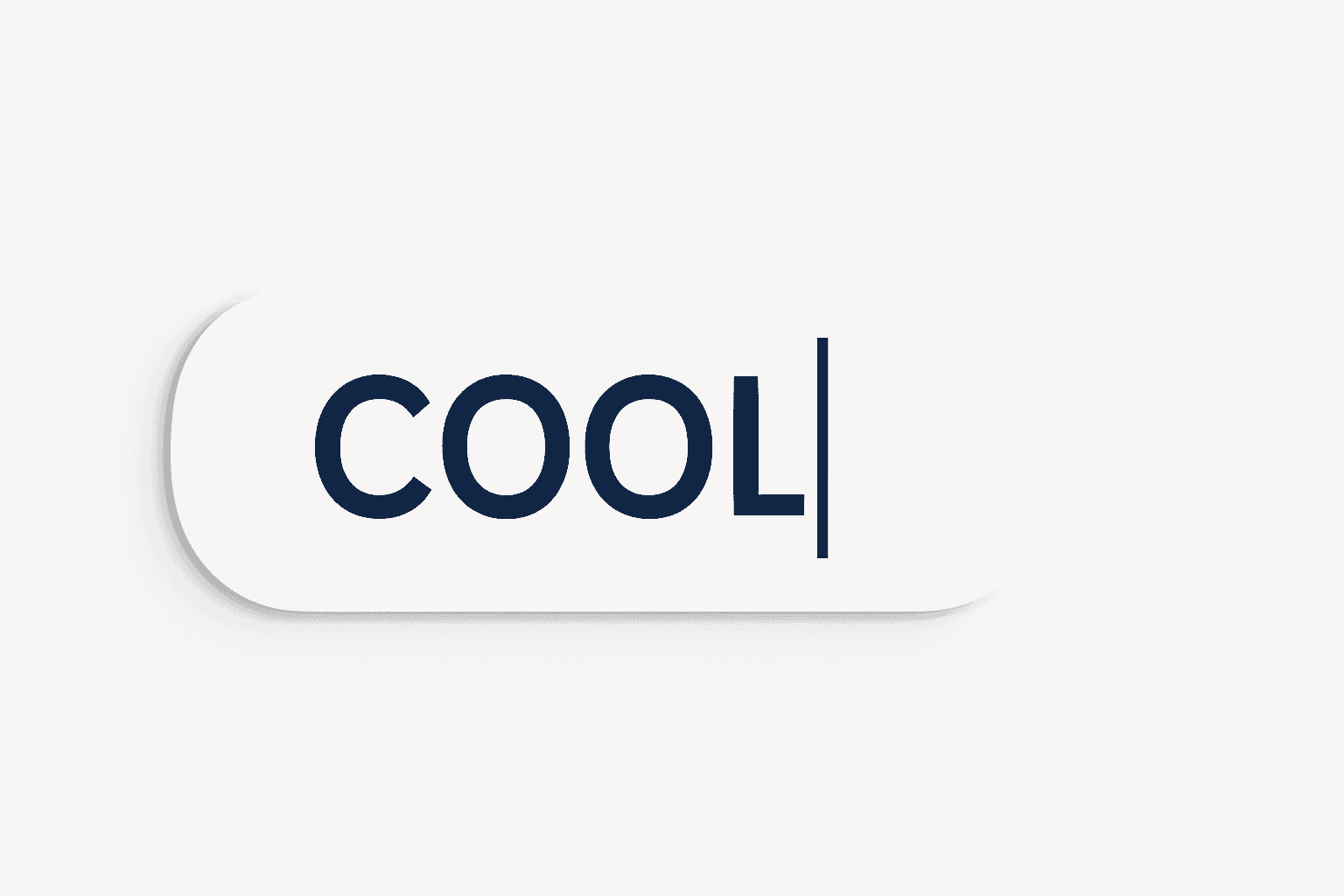
Enter Your Text
Type the word or phrase you want to convert into the input box. The tool works best with short words or names.
-
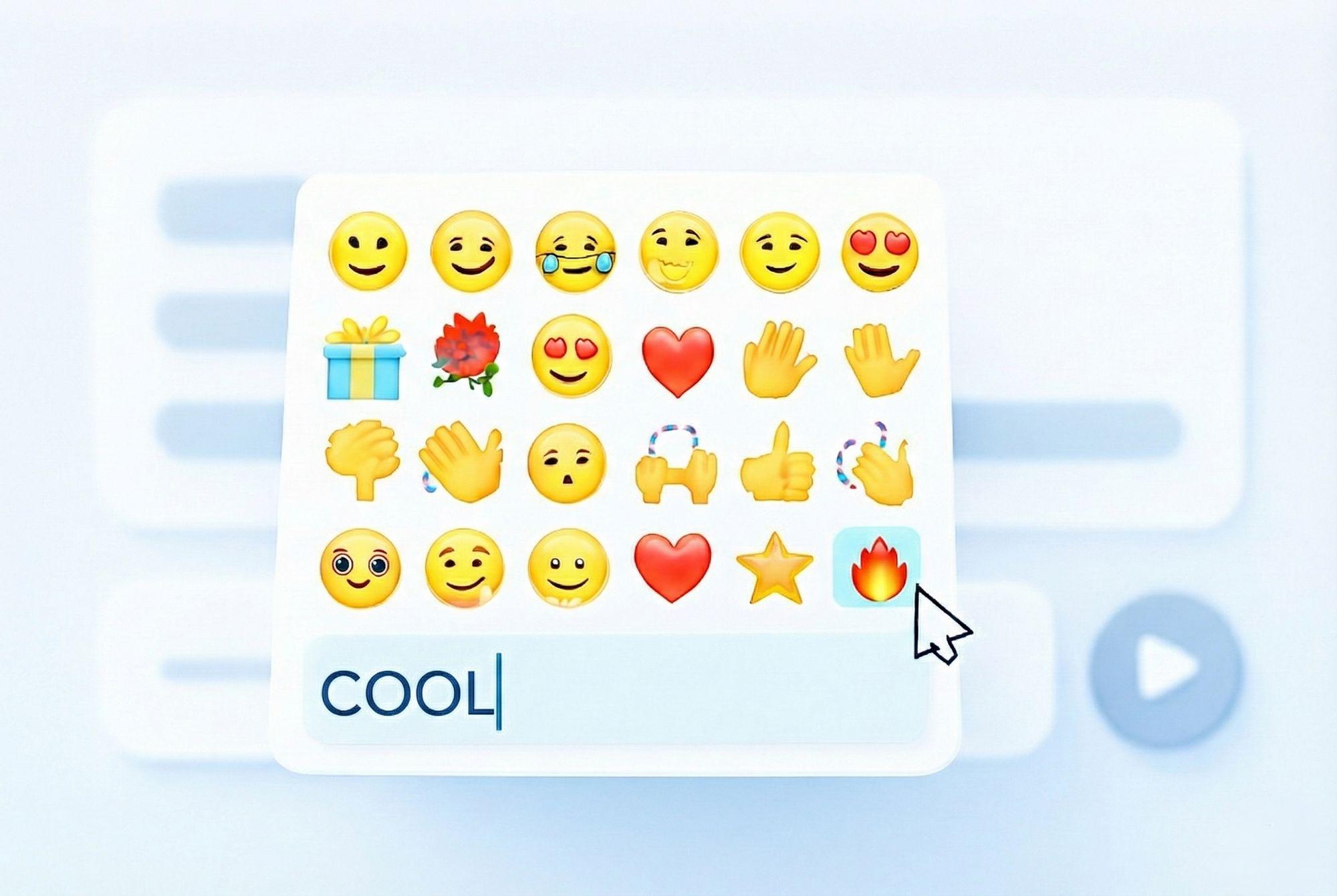
Choose Your Emoji
Click the emoji button to pick the character you want your text to be built from. You can choose hearts, stars, or any smiley!
-
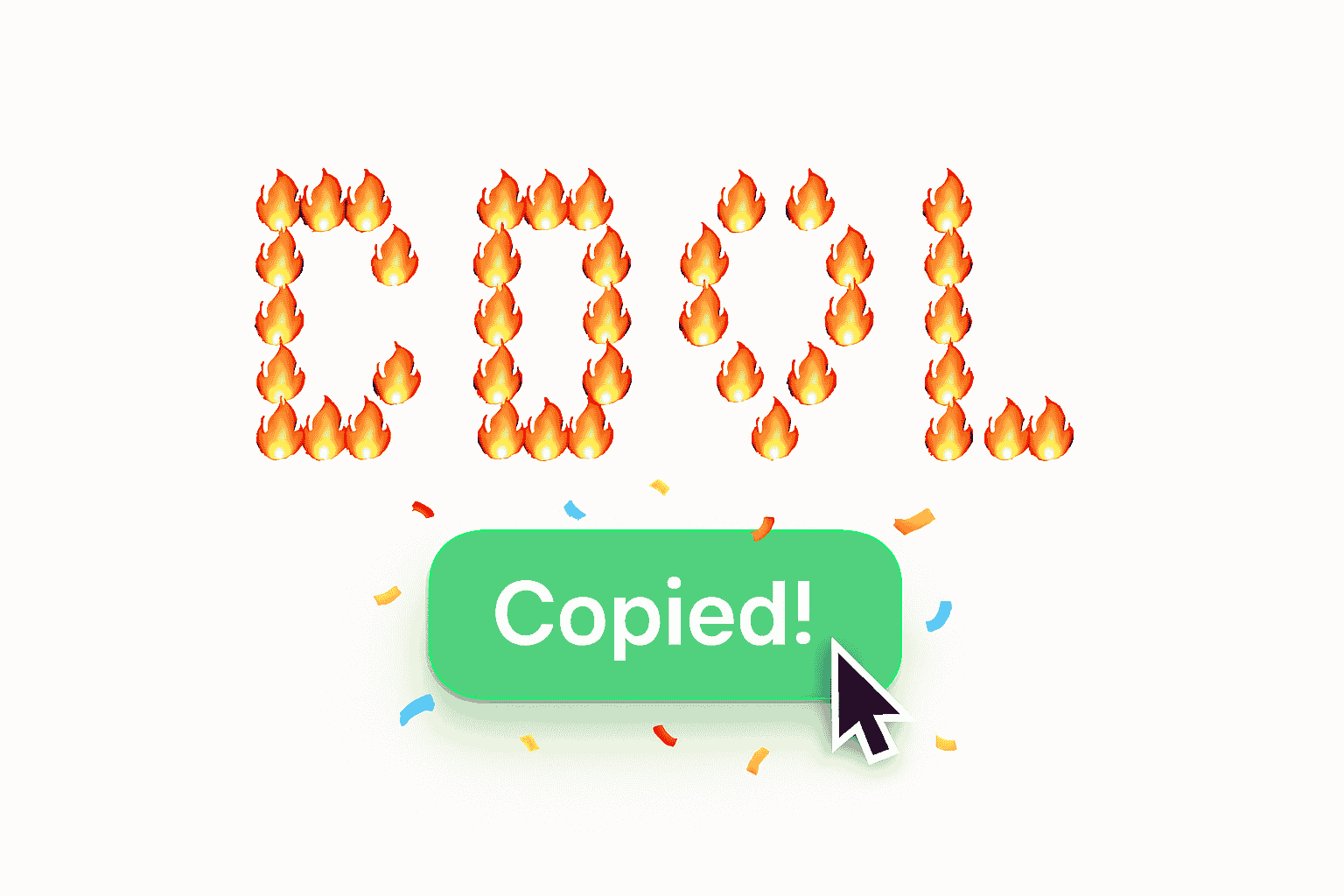
Copy & Share
Once your art is generated, simply click “Copy” to save it to your clipboard and paste it into your chat or social media post.
Frequently Asked Questions
Yes! The generated art is just standard emoji characters arranged in a grid. It works perfectly on WhatsApp, Telegram, Discord, and most messaging apps.
To ensure the art remains readable on mobile screens, we limit the input to 15 characters. Short words look the best!
Currently, the tool constructs the letters using a single chosen emoji to maintain a clean look. We are working on multi-emoji patterns for future updates.
Explore More Tools
Want to get even more creative with text? Check out our Text to Handwriting tool to turn typed text into realistic handwritten notes, or use the Case Converter to fix your text formatting instantly.